Open topic with navigation

Frame deflection design
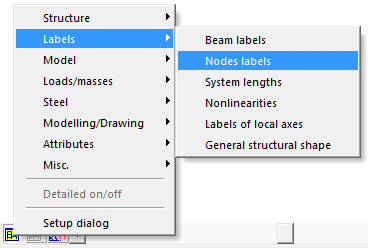
- Switch on labels of nodes by click on
 icon and using of option Nodes labels from group Labels.
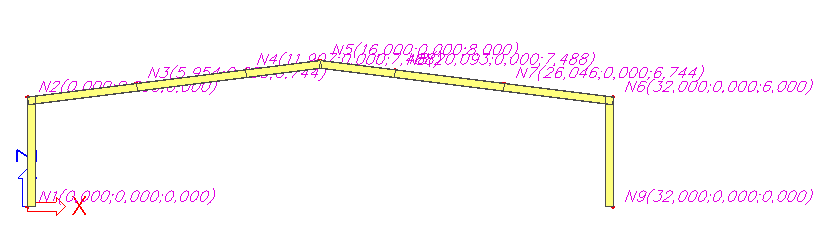
- Nodes labels appear.
- Click
 or
or  to create a new autodesign.
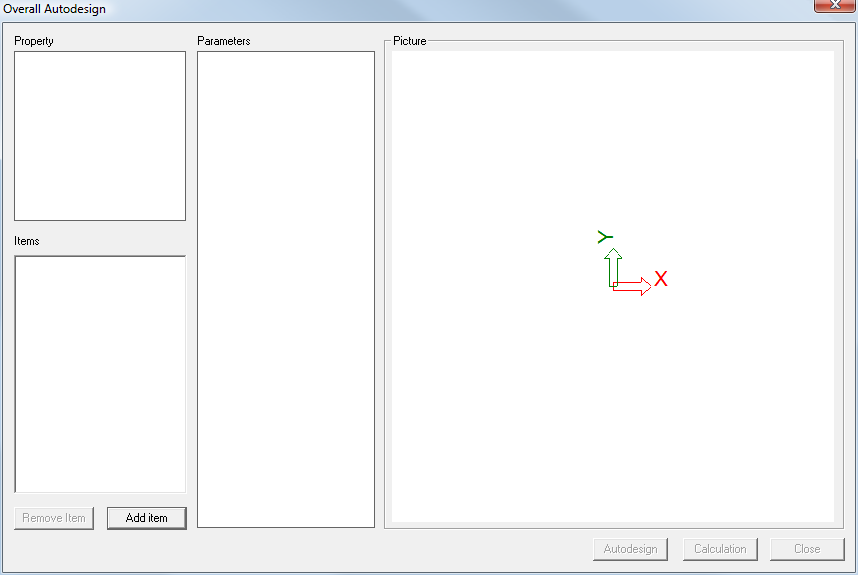
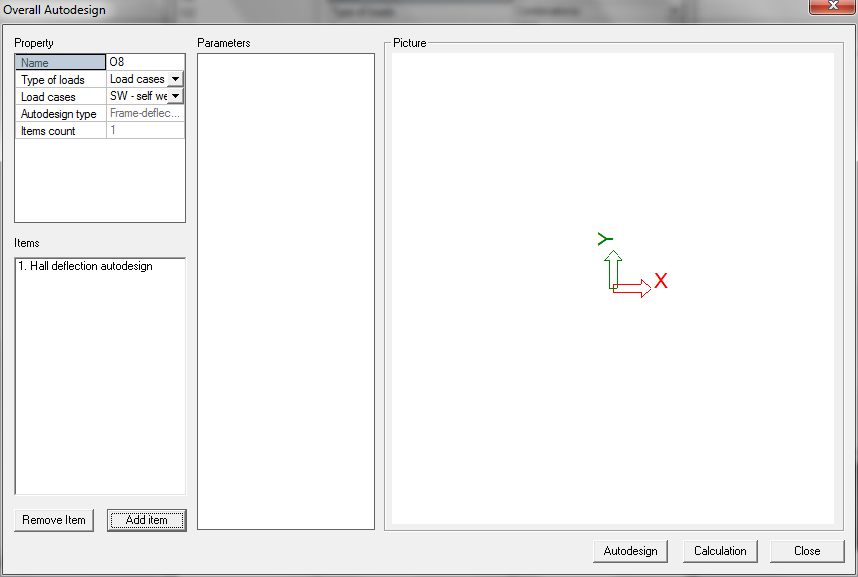
- Overall Autodesign dialog appears.
- Click [Add item] button.
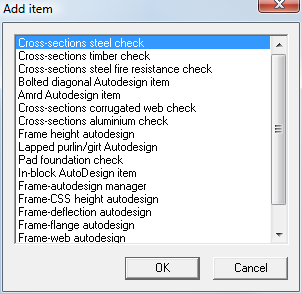
- Autodesign list appears.
- Select item Frame-deflection autodesign and click [OK].
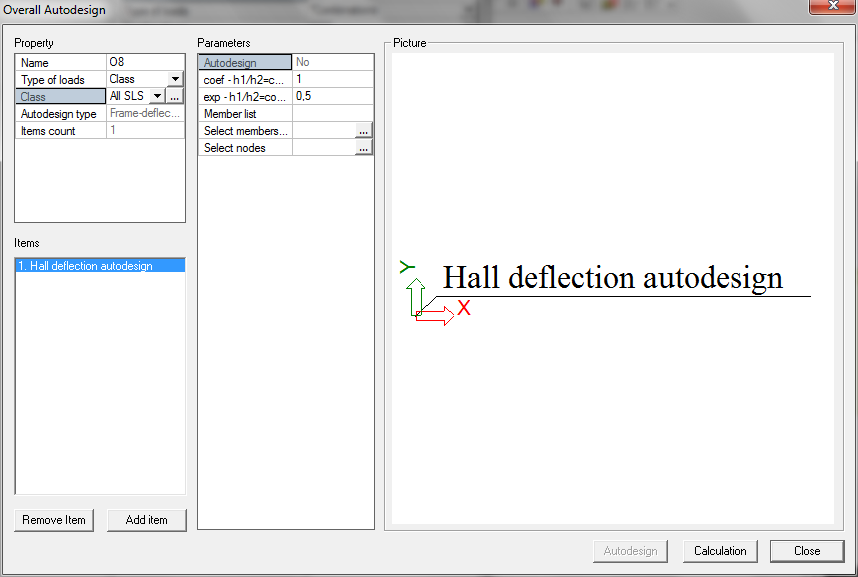
- Default autodesign settings appears.
- Select option *Class in the combo-box Type of loads.
- Select class All SLS in the combo-box Class.
- Select item 1. Hall deflection autodesign from the Items list.
It is necessary to use a class as a type of load else the frame-deflection autodesign will not work correctly.
- Parameters appear.
- Click Add members by layer button
 .
.
- Double click on Layer1.
- Members B1, B2, B3 B4 B5 B6 B7 B8 are added.
- Click Select nodes
 button.
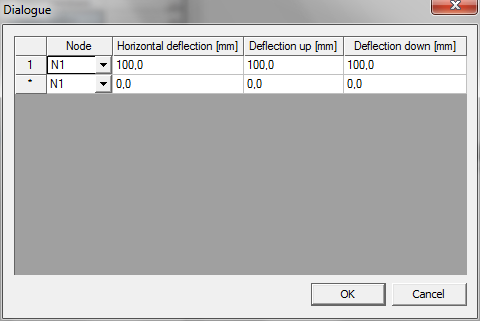
- A new dialogue appears
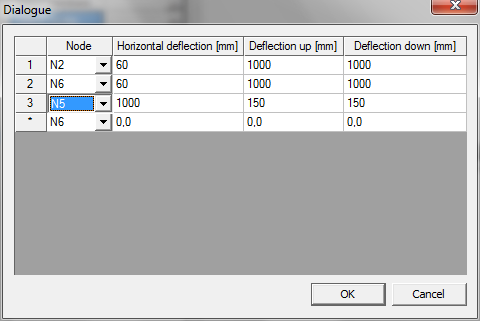
- Select node N2 (left eave node) from the first list and set values
Horizontal deflection = 60mm
Deflection up = 1000mm (criterion will not be used)
Deflection down = 1000mm (criterion will not be used)
- Select node N6 (right eave node) from the last list and set values
Horizontal deflection = 60mm
Deflection up = 1000mm (criterion will not be used)
Deflection down = 1000mm (criterion will not be used)
- Select node N5 (top node) from the last list and set values
Horizontal deflection = 1000mm (criterion will not be used)
Deflection up = 150mm
Deflection down = 150mm
- Confirm your input with [OK]. The Dialogue is closed.
- Click [Close] to close the Overall Autodesign dialogue.
Open topic with navigation