|
||
|
|
||
Autodesign of corrugated cross-section check is the same part as the Autodesign located in the standard Steel > ULS Check > SIN beam check.
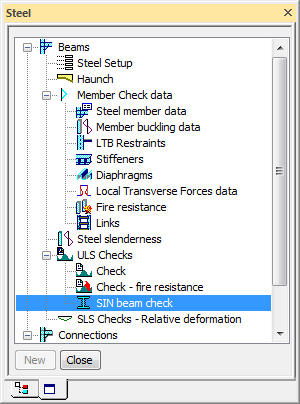
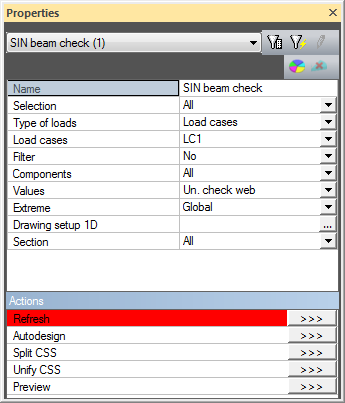
When the user clicks on action button Autodesign then the following dialogue appears. The dialogue is a bit different from the one used in the general Autodesign dialogue but the functionality is the same.
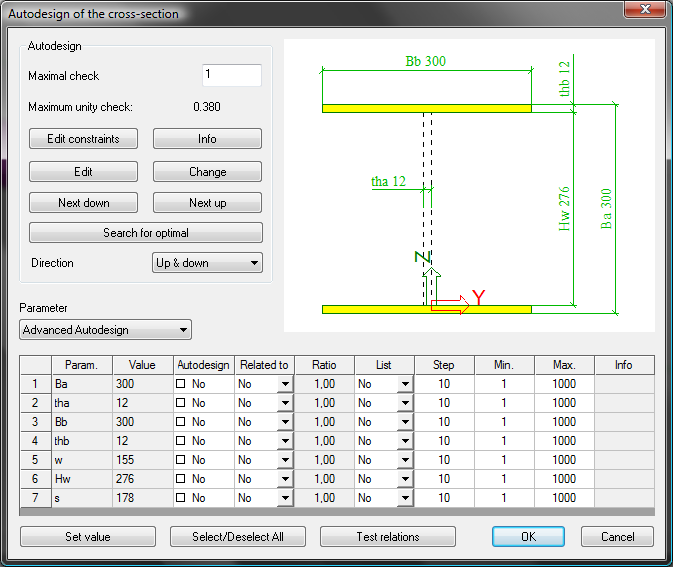
We will focus on Autodesign running from the Autodesign service in this case. Generally, results based on the settings in Autodesign and in the individual service have to be the same.
Let us consider a very simple example of a steel beam with corrugated cross-section for Autodesign. The structure is subject to the uniform load and to the axial force at one end. The aim of this example is to find the optimal dimensions of the corrugated SIN cross-section.
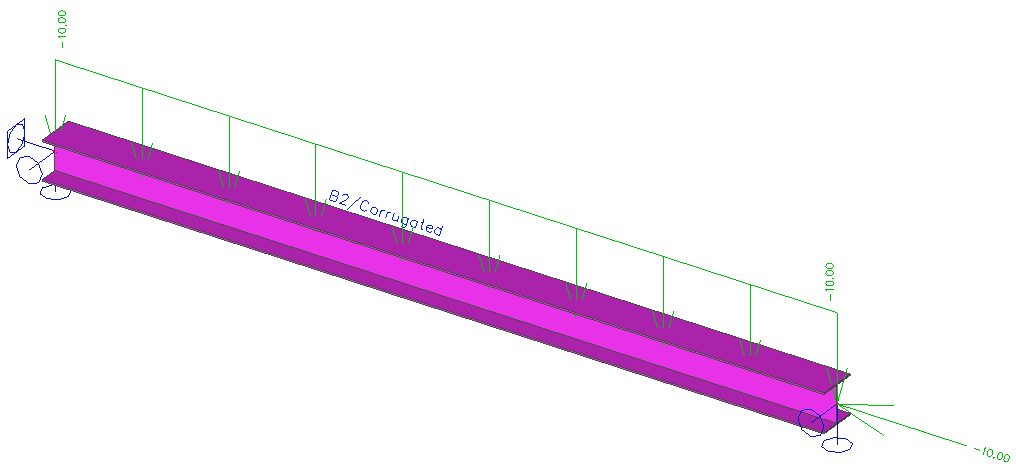
The Autodesign function is defined for this cross-section. You can see the settings on the following figure.
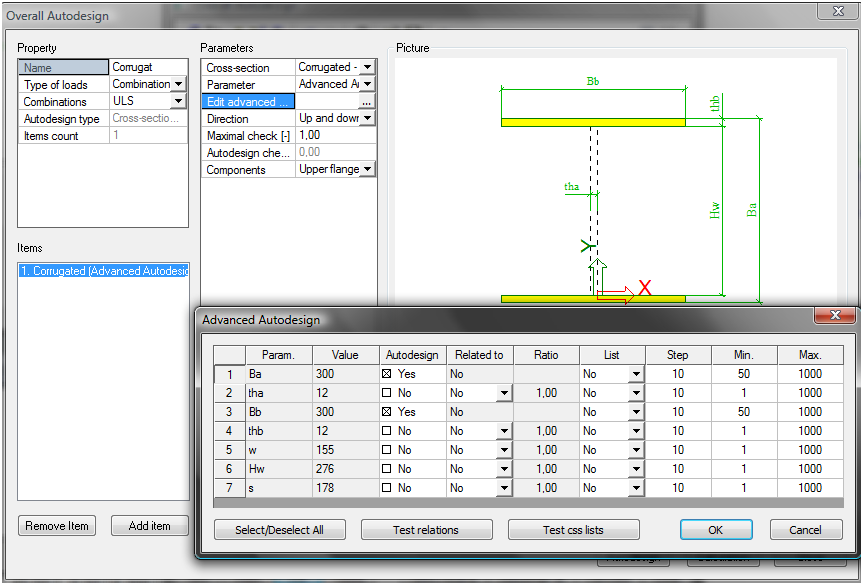
In this case the Advanced Autodesign is selected. The settings are made according to the figure above. The properties are similar to the standard steel code check.
Autodesign can be run in one step using Autodesign all.
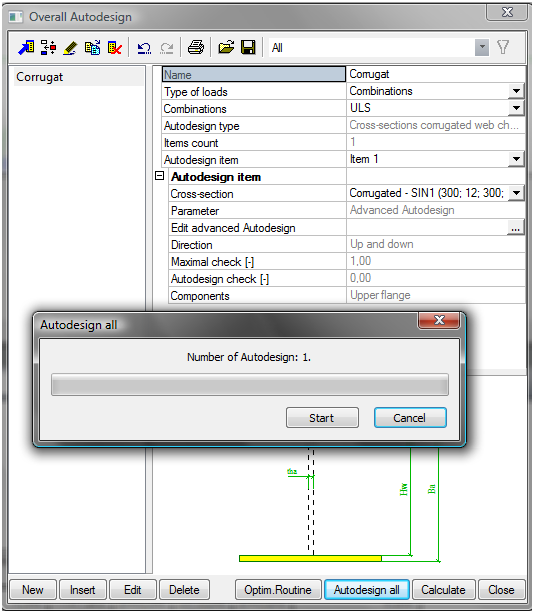
The results are automatically printed in preview.
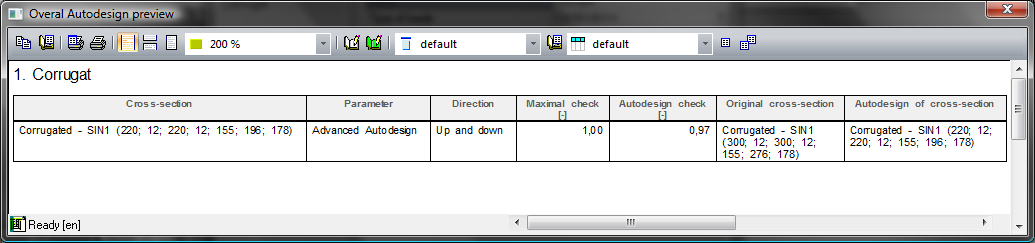
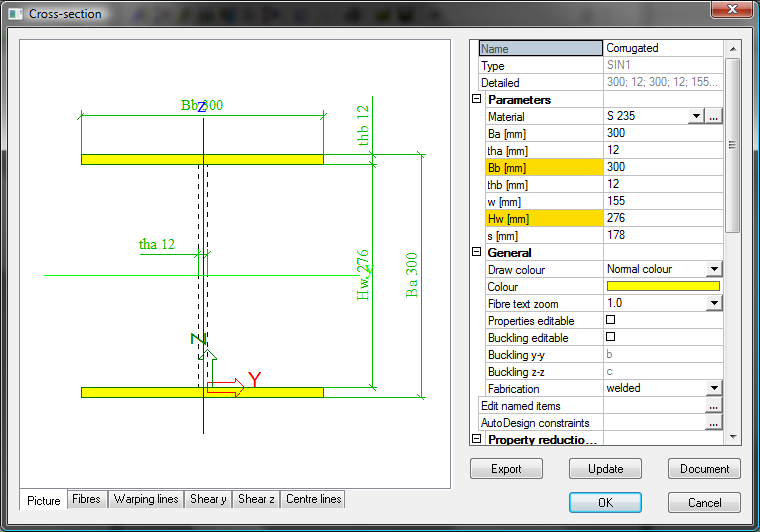
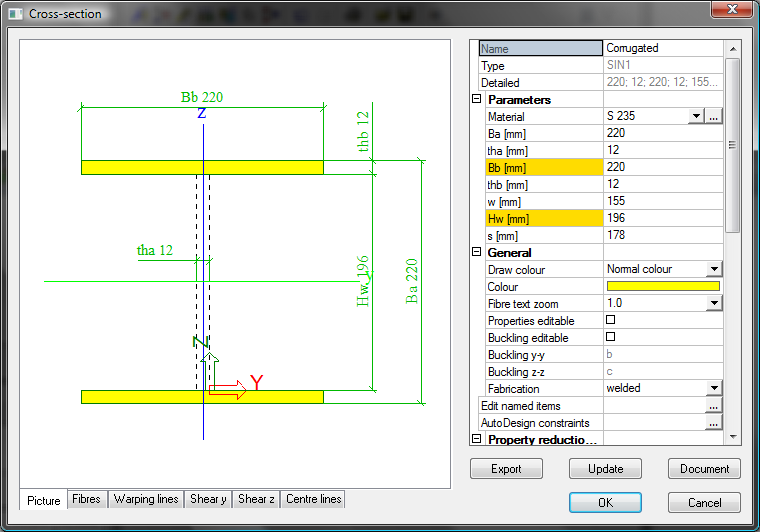
The comparison of the initial and optimized values of the corrugated cross-section is clear from the following table.
|
Initial |
Optimized |
|
|
|
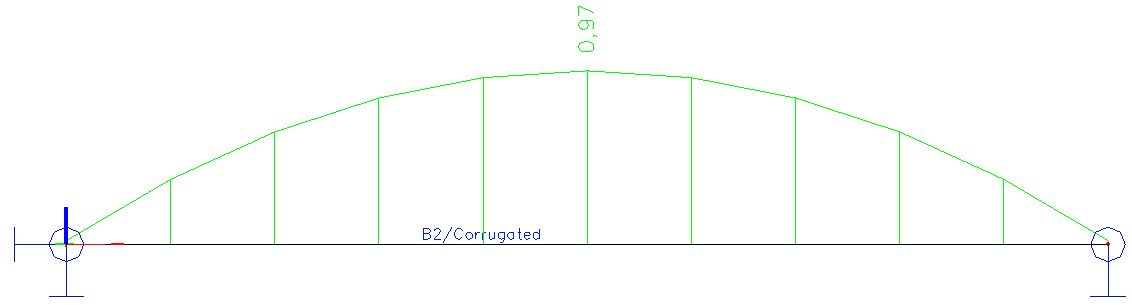
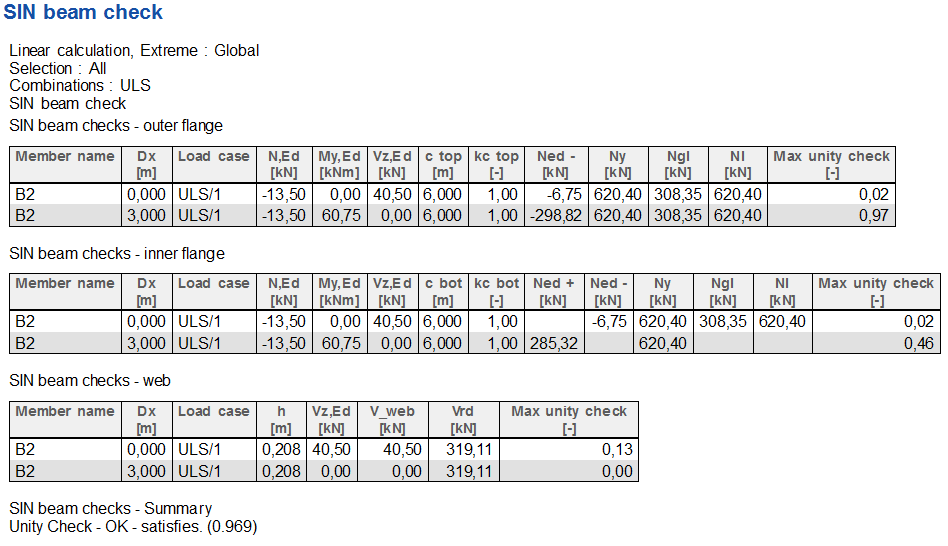
Evaluation of the SIN beam unity check along the beam is compared in the following figures. The first figure together with the table is for the initial cross-section.
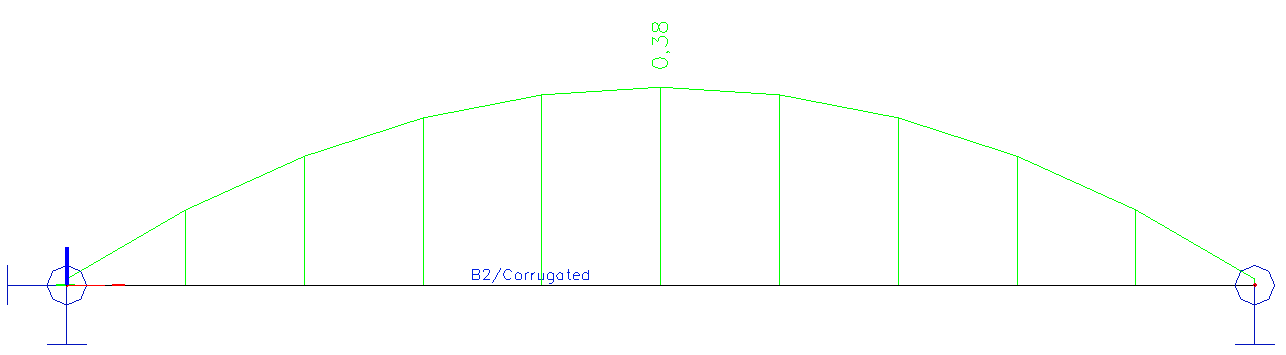
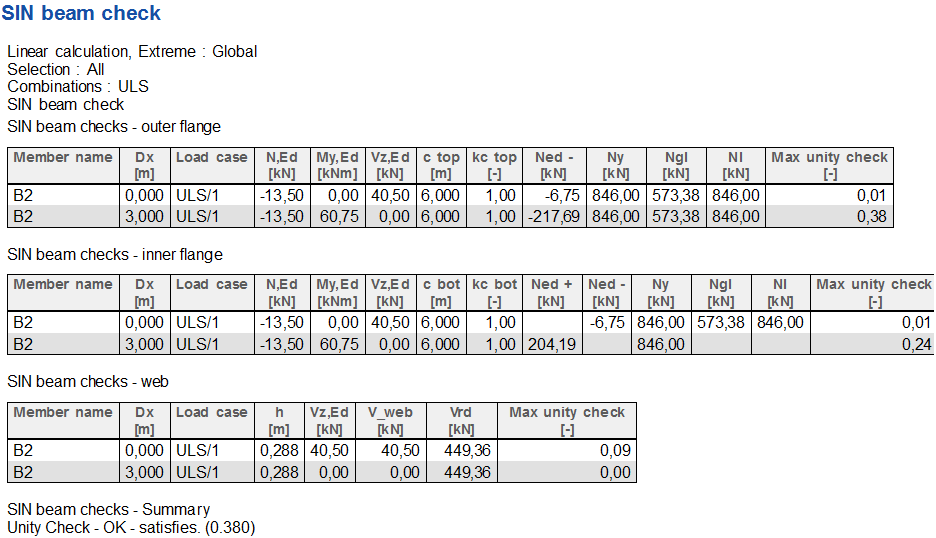
The second figure together with the table is for the optimized cross-section.