
|
||
|
|
||
For further generation of bridge combinations it is neccessary to distinguish variable load groups containing loads for buildings from variable load groups containing loads for bridges. When a Load group is set to Variable, new parameter Structure will be displayed. In the combo box it is possible to select from four options:
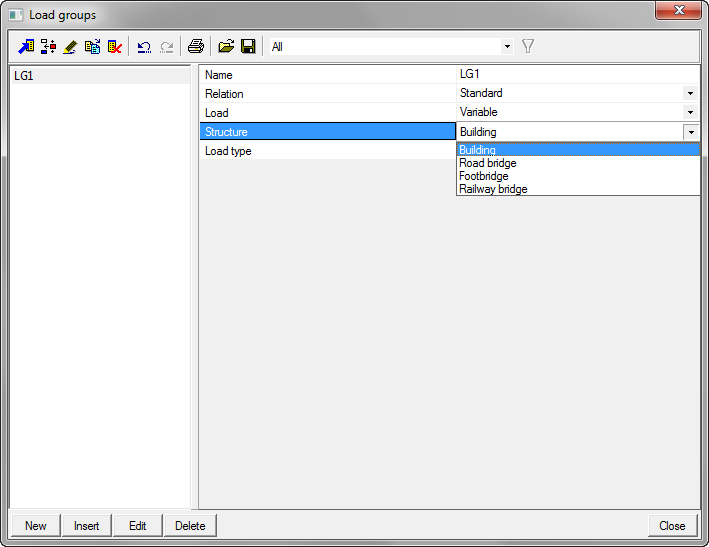
The Structure parameter will be disabled, when the functionality Bridge combinations is not activated in the Project data dialog. It is set to Building by default.
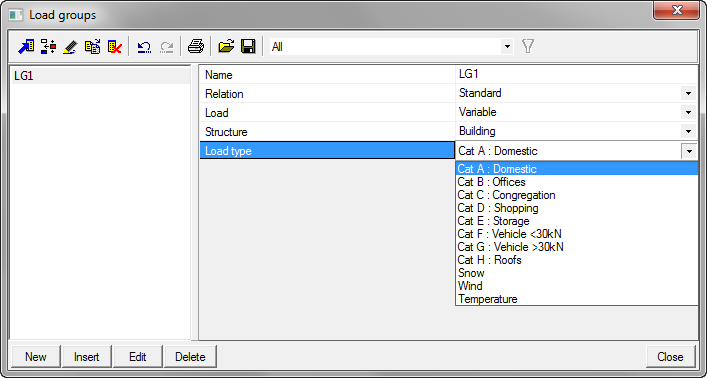
According to the selection in this combo box, the content of Load type combo box is adjusted.
Content of a Load type combo box with the Structure parameter set to Buildings:
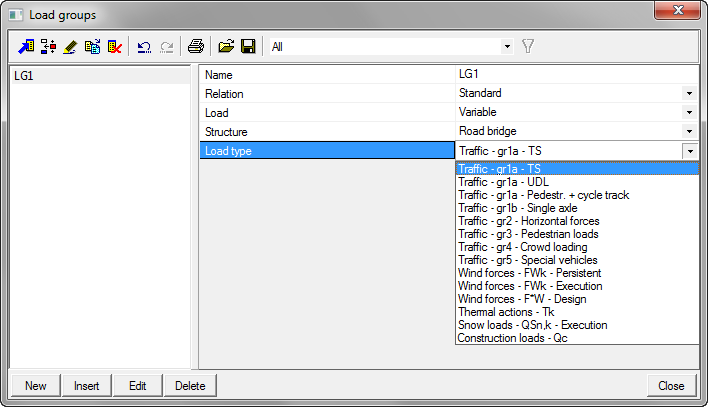
Content of a Load type combo box with the Structure parameter set to Road Bridges:
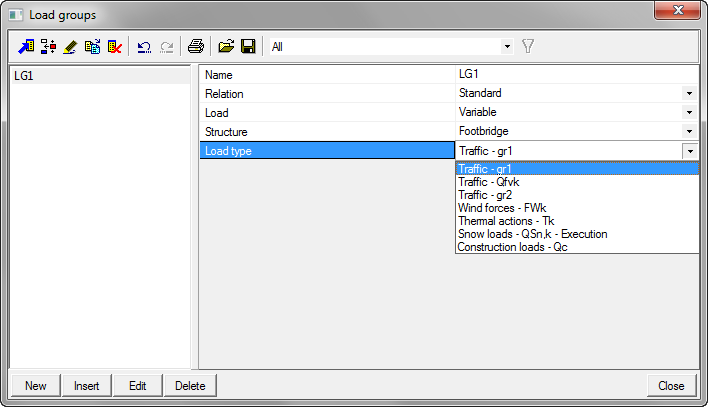
Content of a Load type combo box with the Structure parameter set to Footbridges:
Content of a Load type combo box with the Structure parameter set to Railway bridges:
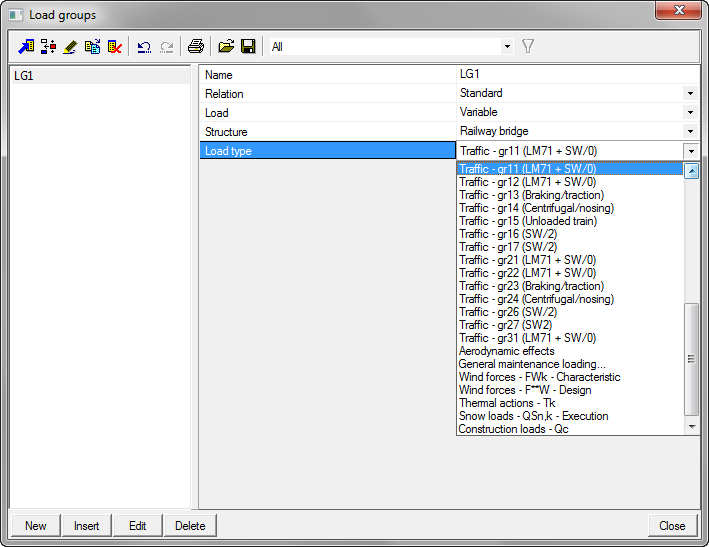
There is no mapping table between the items from this combo box. If for example the Structure parameter is set to Building and the Load type is set to Cat H and afterwards the Structure parameter is changed, the first value of the selected option will be selected in the Load type combo.
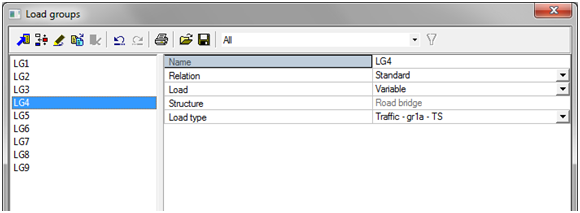
Whenever a certain load case will be assigned to a certain combination, aditional restrictions are implemented both for load group and load case in the Load group and the Load case dialogs. Let's imagine that we have a LC4 assigned to a LG4, which Structure is set to Road bridges. A combination CO1 for Road bridges is already created and LC4 is assigned in the combination.
The Structure parameter for LG4 will became disabled and will not be possible to change. On the other hand, Load type will still be possible to change.
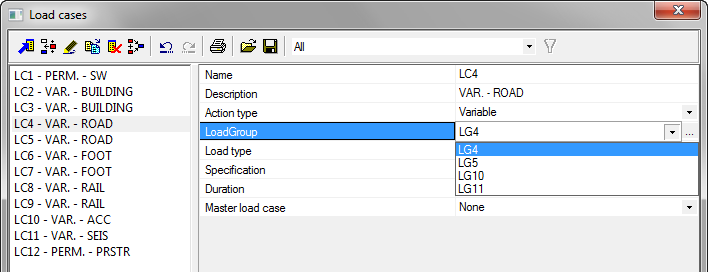
For LC4 it will still be possible to change the Load group parameter to something else, but the user may select only load groups with the same Structure parameter or independent variable load groups for accidental and seismic loads. By pressing the three dots edit button, the Load group dialog will be displayed, but with filtered content.
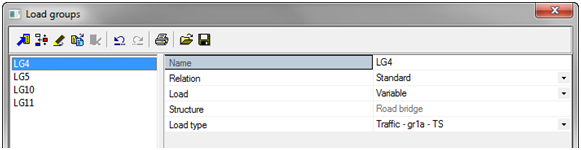
These restrictions become active right after assigning a certain load case into the combination. If the load case is not assigned yet, the user may freely change the load group.