
|
||
|
|
||
Let’s assume the same structure as in the Example for Refresh of results.
Let’s create a new document created and insert two tables as shown below.
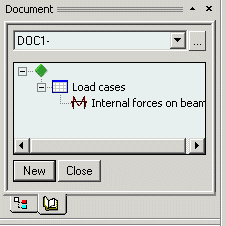
This document will show internal forces in beams for individual load cases sorted by the load cases.
Once the document is created in the above mentioned way, the document window will show the "contents" of the document, but not the numerical values.
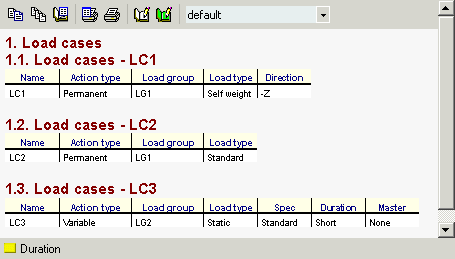
Once button [Refresh of document]
( ) is pressed, the document
is regenerated and the individual tables are filled in with appropriate
numerical data.
) is pressed, the document
is regenerated and the individual tables are filled in with appropriate
numerical data.
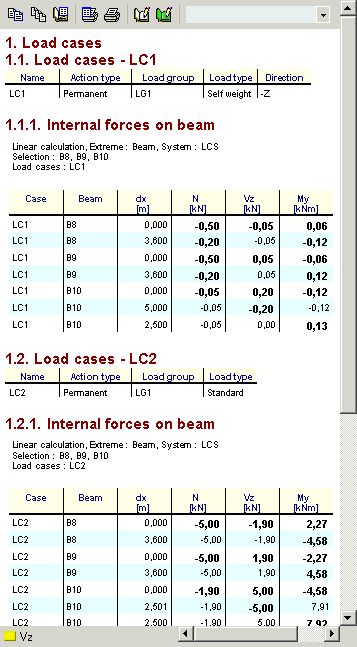
The picture above shows a fragment of the whole document.