|
||
|
|
||
To illustrate the algorithm of averaging strips, a manual verification is performed.
A square slab is inputted with dimensions 2m x 2m.
The mesh size is set to 0,5m.
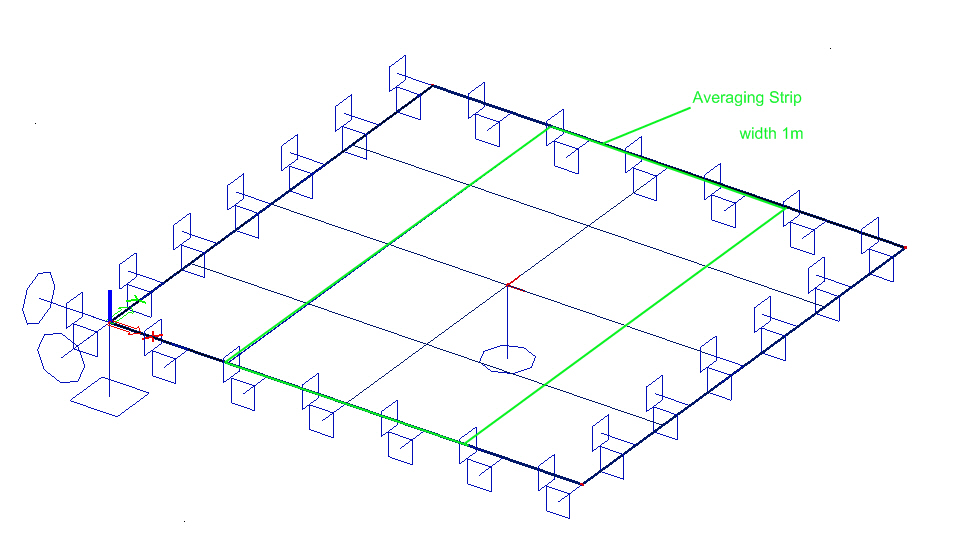
An averaging strip was inputted in Y-direction with averaging set to 'Perpendicular'
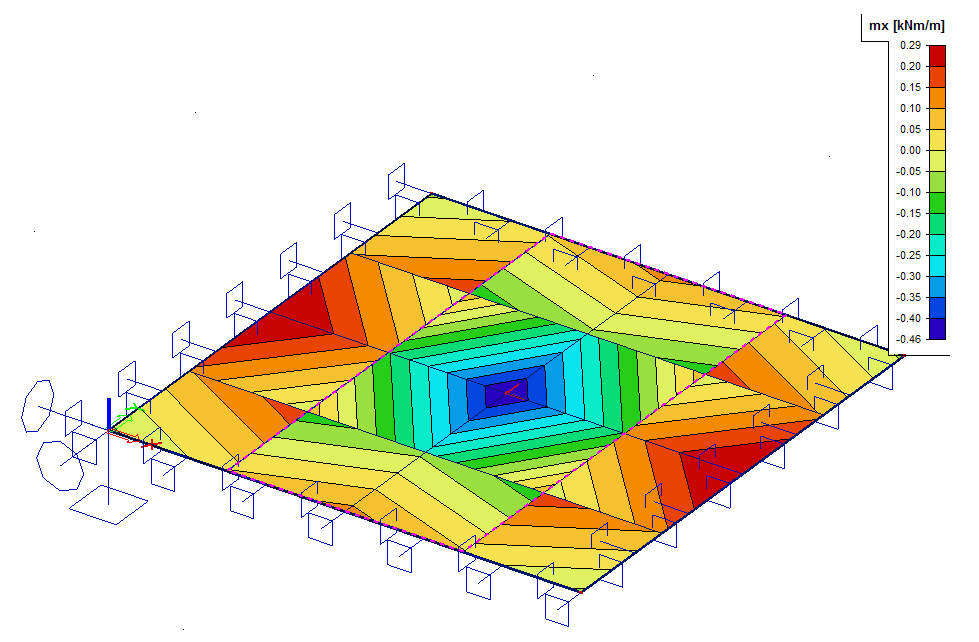
Result of mx in nodes not averaged:
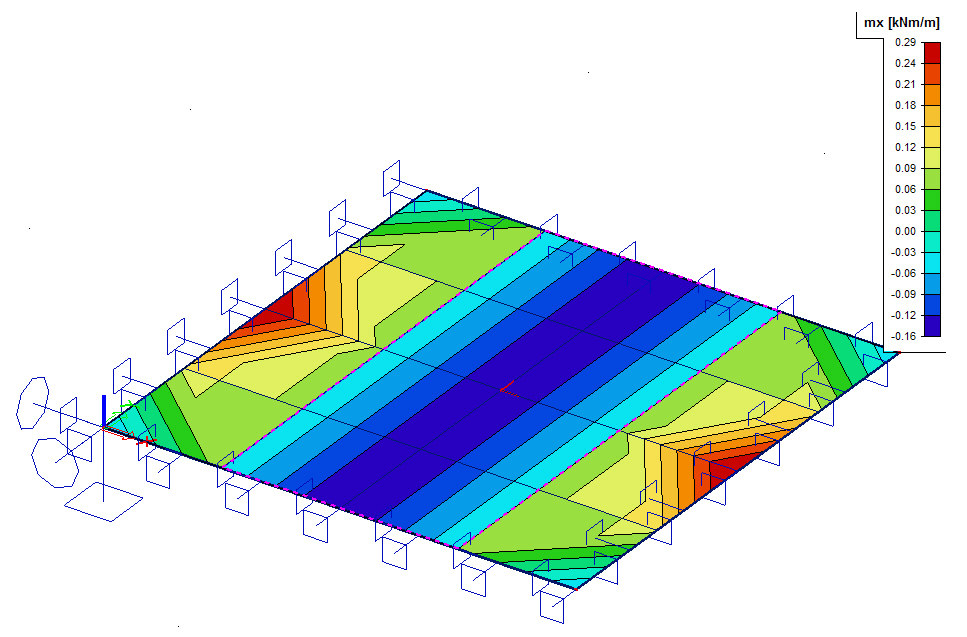
Result of mx in nodes not averaged with averaging strip activated:
Step 1: Create sections perpendicular to the inputted averaging direction.
In this example, the averaging was set to 'perpendicular' => create sections in longitudinal direction.
section A is inputted just outside the strip from (0,499;0) to (0,499;2)
section B is inputted just inside the strip from (0,501;0) to (0,501;2)
section C is inputted in the middle of the slab from (1;0) to (1;2)
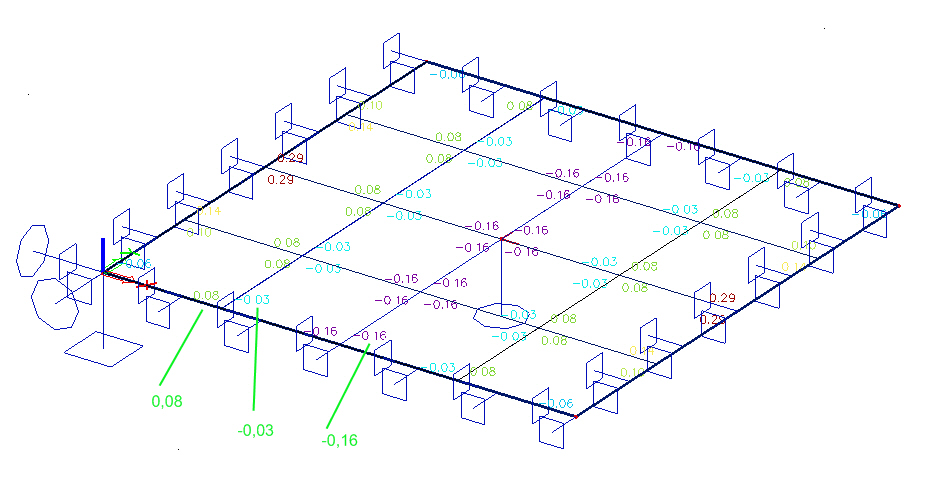
Result of mx in nodes not averaged:
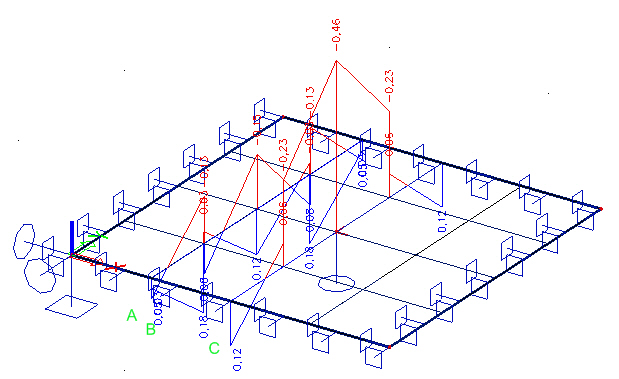
Step 2: Look at the average result in each section by setting the course to 'uniform':
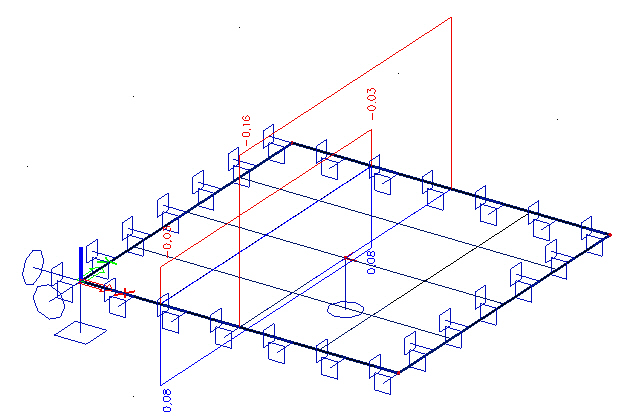
=> Section A: 0,08
=> Section B: -0,03
=> Section C: -0,16
These are the results which are shown when activating averaging strips!
Step 3: Result of mx in nodes not averaged with averaging strip activated: