Open topic with navigation

Steel checks
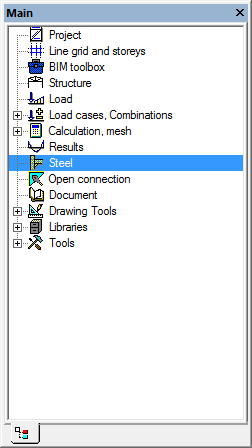
- Double-click on the Steel service in the Main window.
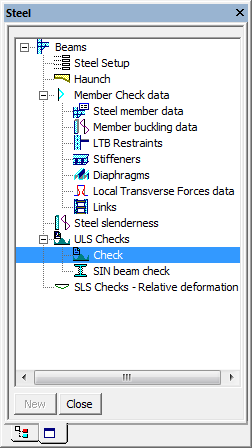
- Click on Check from the subgroup ULS Checks of the group Beams in the Steel service.
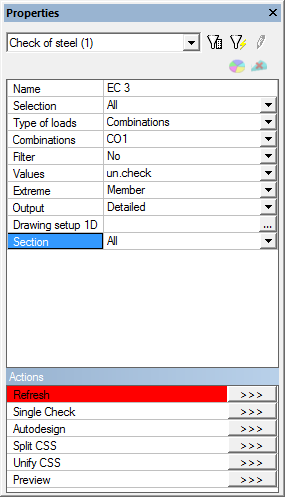
- Define following settings in the Properties window.
Selection = all
Type of loads = Combinations
Filter = No
Values = un. check
Extreme = Member
Output = Detailed
Section = All
- Click Refresh in the Properties window.
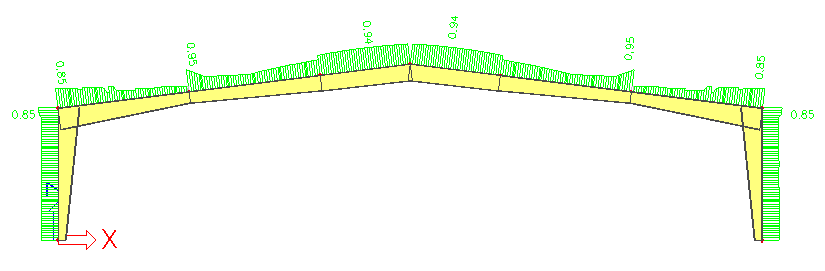
- Check displayed steel checks values.
Open topic with navigation