|
||
|
|
||
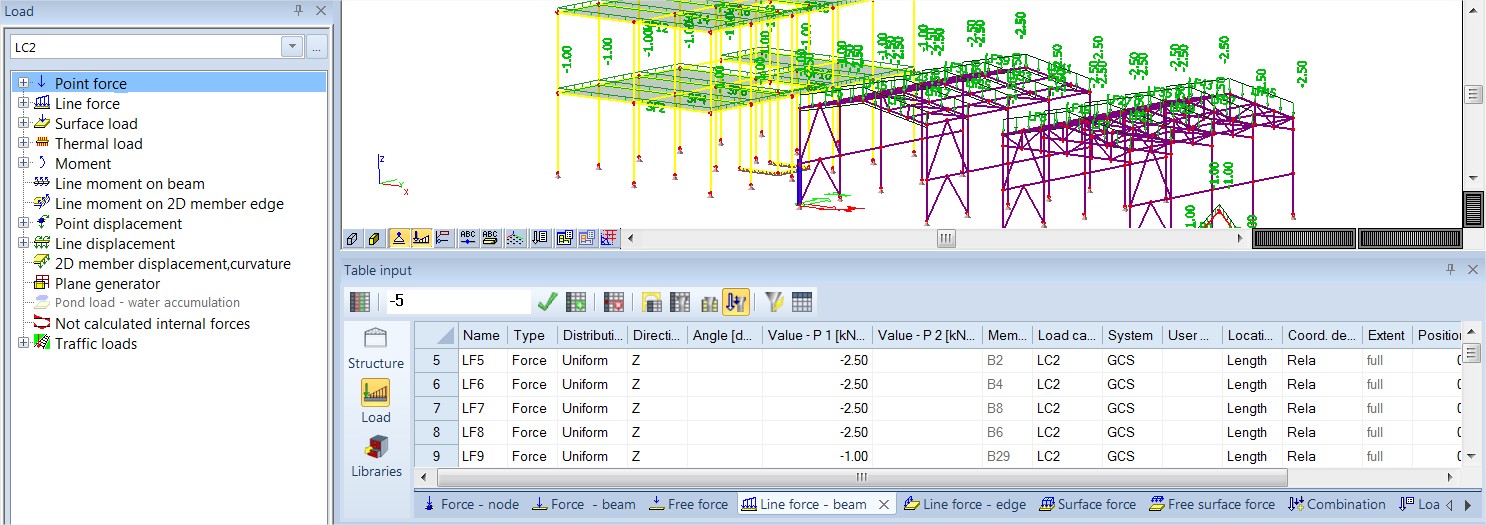
The activity in the 3D window is controlled by Activity tools. The same activity can be used in the Table input. It is managed by the button next to the filters on the toolbar.
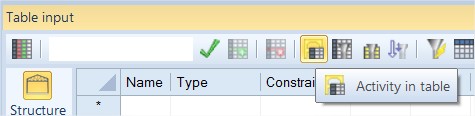
This button allows filtering the content according to current activity in the 3D window. The default status is ON.
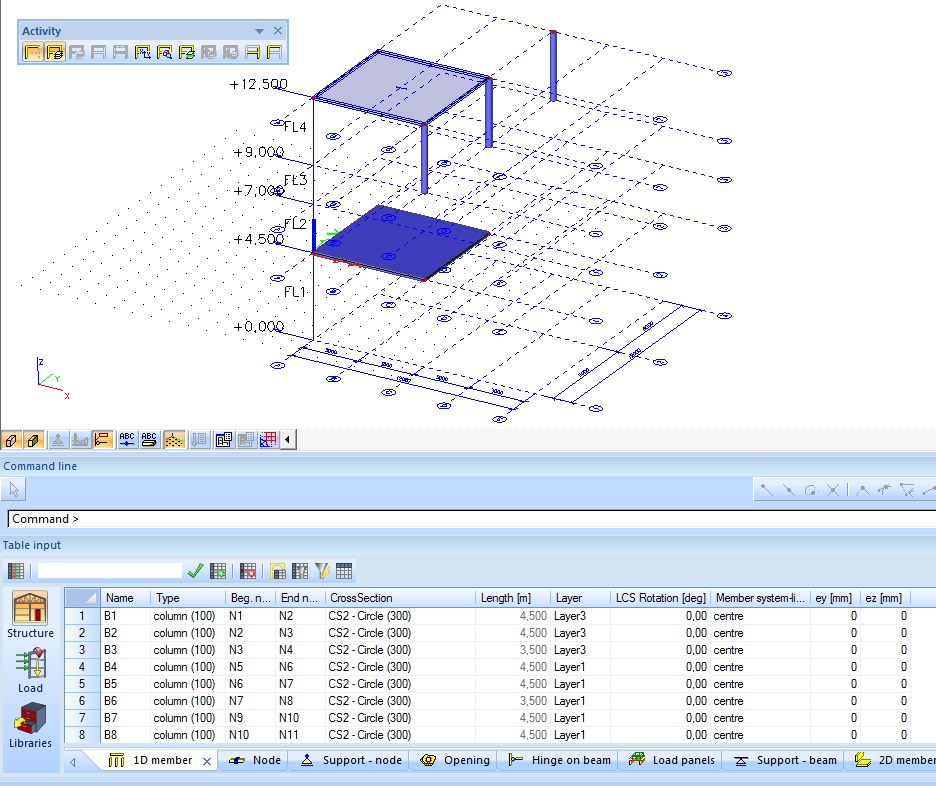
When the Activity in Table input is OFF:
When the Activity in Table input is ON:
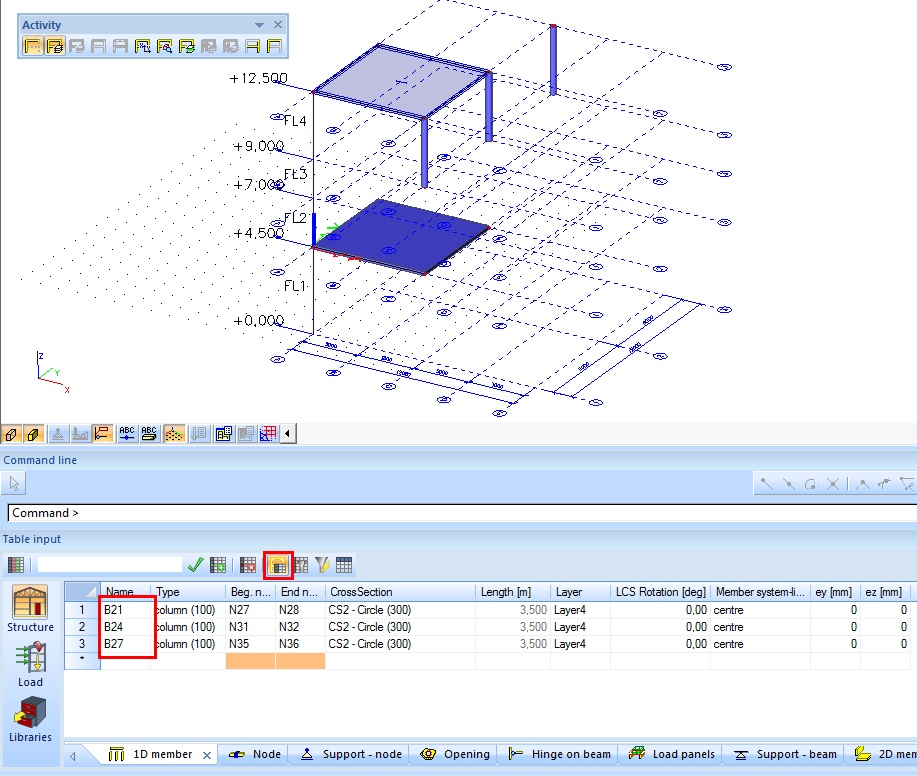
The activity in the Table input may be combined with the Property filter tool.
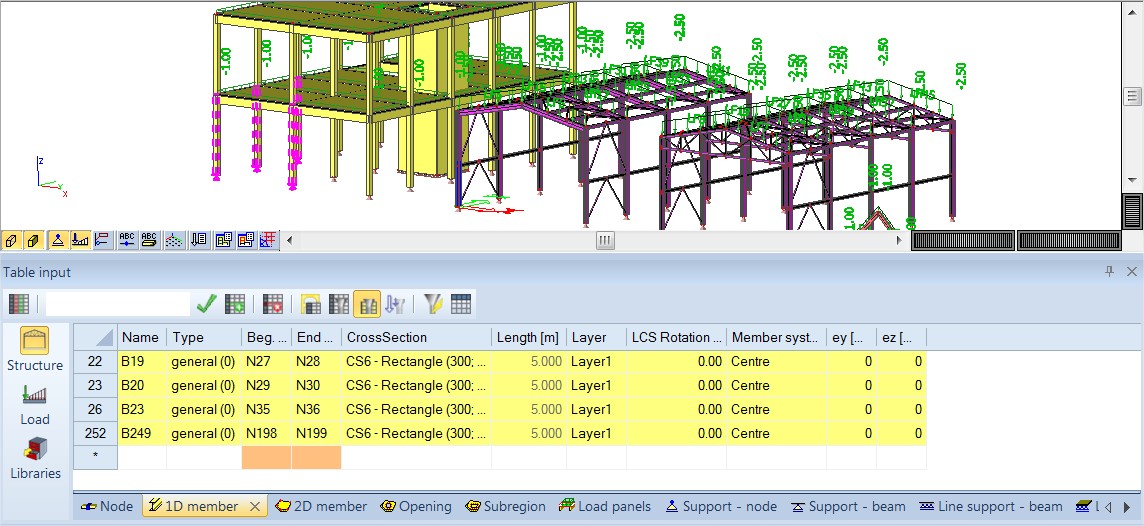
Any user-selection made in the 3D window is also displayed in the Table Input by yellow highlighted rows. The selection can be used as a filter in the Table input. It is managed by the button next to the filters on the toolbar.
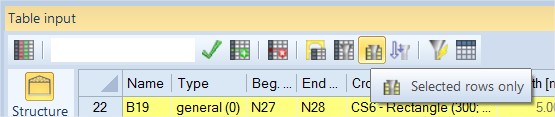
This button allows for filtering of the content according to current selection in the 3D window. The default status is OFF.
When the is OFF:
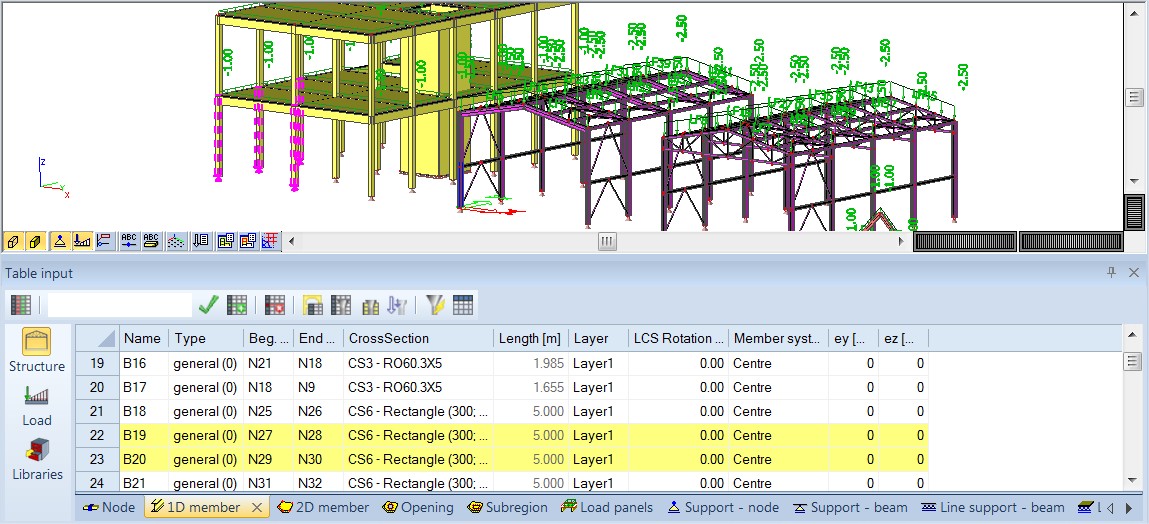
When the is ON:
The activity in the 3D window is controlled by Activity tools. The same activity can be used in the Table input. It is managed by the button next to the filters on the toolbar. Note that button is enabled only when entities from group: Load are displayed.
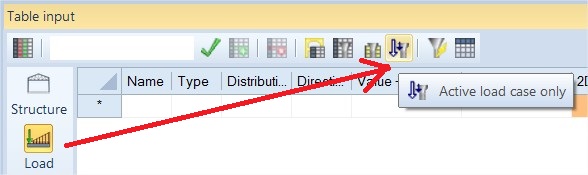
This button allows for filtering of the content according to currently active load case in service Loads. The default status is OFF.
When the is OFF:
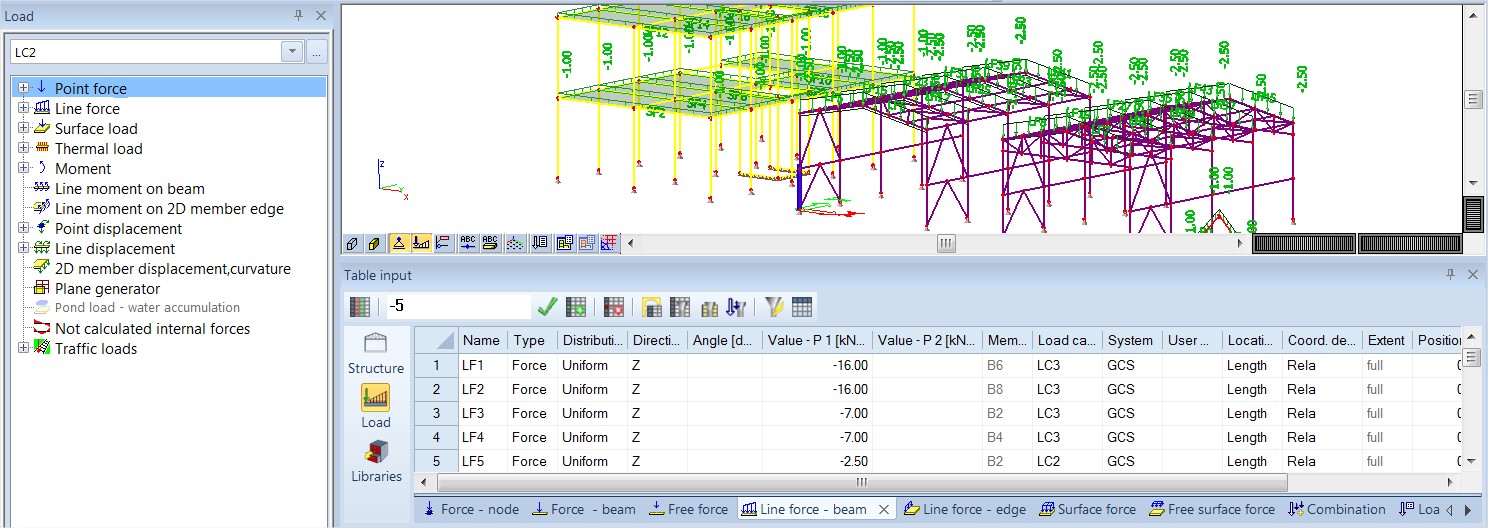
When the is ON: