Load
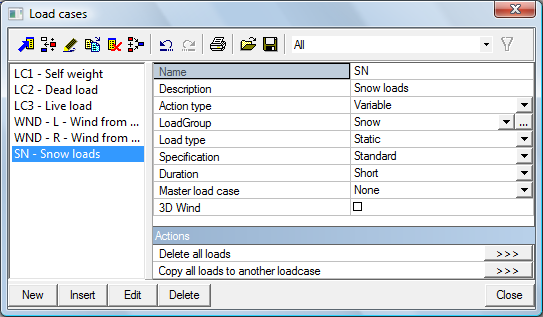
After input of the Load cases, go to the service Load from Main window.
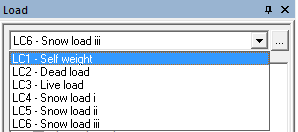
Switching between load cases
You can switch between load cases with the mouse pointer in the list box.
Dead load
- According to the previous paragraph select the load case LC2 – Dead load.
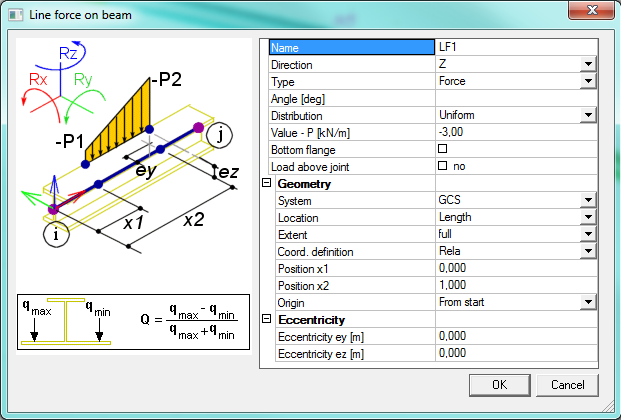
- Click Line force - on beam in the Load Menu. The following dialog appears.
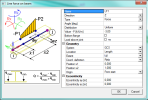
- Set the Value to -3,0 kN/m and System to GCS
- Confirm your input with [OK].
- Select all rafter beams to enter defined load
- Press <Escape> to finish the input.
- Press <Escape> once more to finish the selection.
Live load
- Select the load case LC3 – Live load.
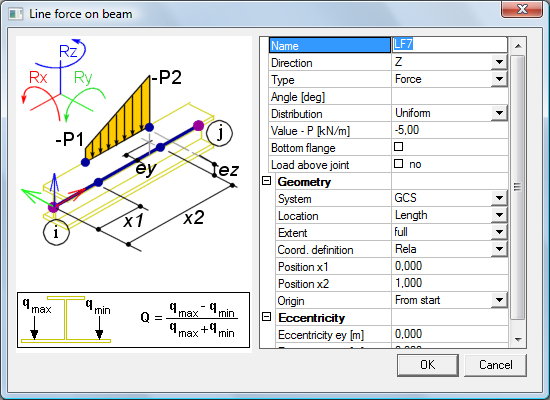
- Click Line force - on beam in the Load Menu. The following dialog appears.
- Set the Value to -5,0 kN/m and System to GCS
- Confirm your input with [OK].
- Select all rafter beams to enter defined load
- Press <Escape> to finish the input.
- Press <Escape> once more to finish the selection.
Wind
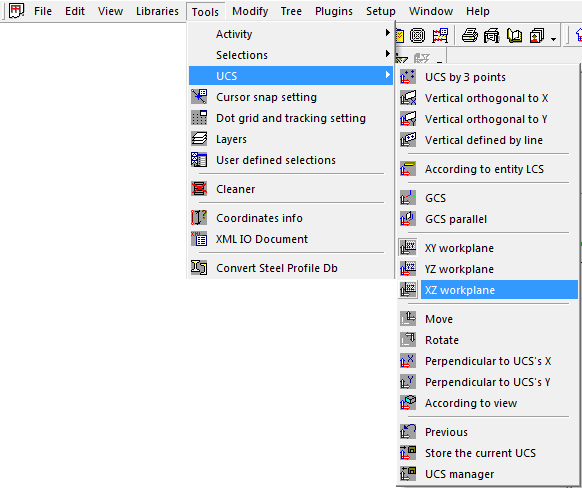
- Set workplane as XZ by an option Main menu→Tools→UCS→XZ workplane
- Click Wind & Snow generator in the Load Menu.
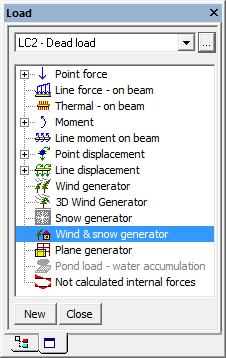
- Following dialogue appears.
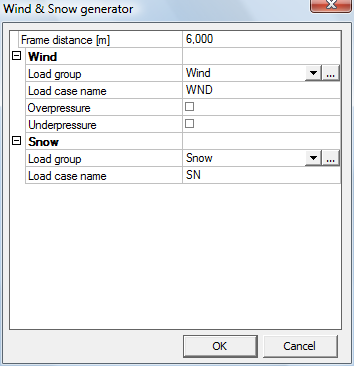
- Confirm default settings with [OK].
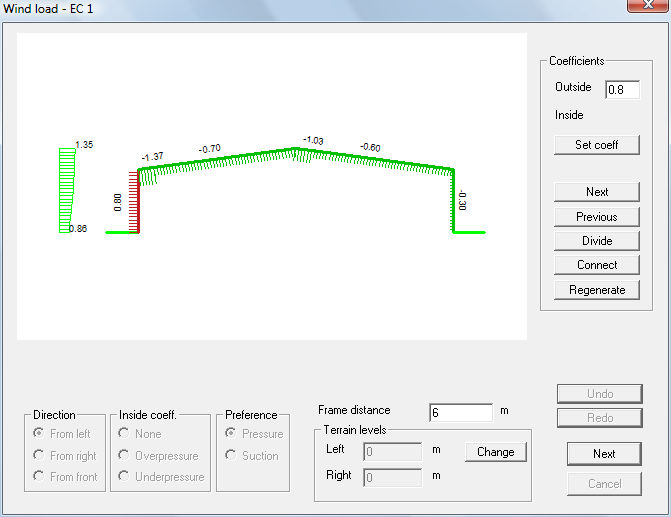
- Accept default settings and press [Next].
- Left wind load generator manager appears.
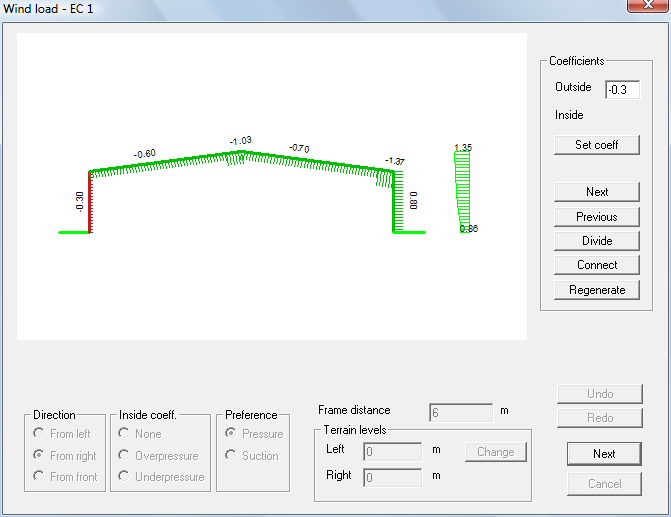
- Accept default settings and press [Next].
- Snow load generator manager appears.
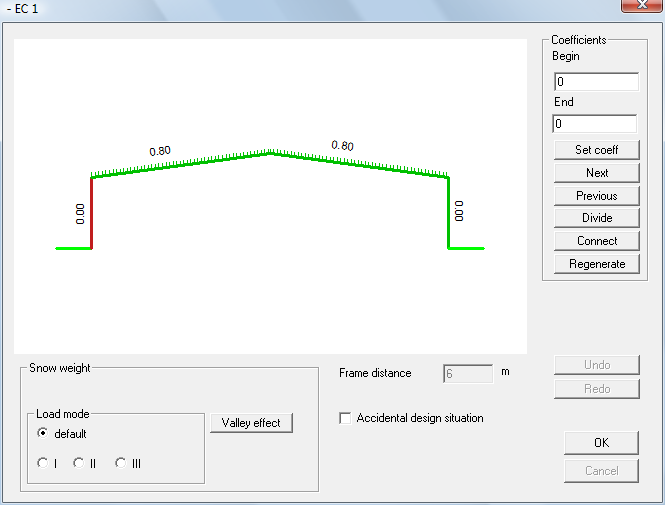
- Accept default settings and press [OK].
- New loadcases:
WND-L-Wind from left
WND-L-Wind from left
SN-Snow loads
are generated