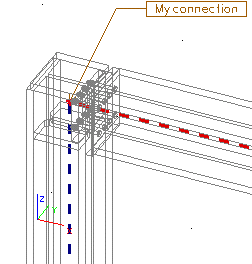
Simplified view
Simplified view (called also wired view) displays all the parts of the connection in the form of "wires" or separate lines. This style is advantageous for its speed. Very often it is also clear enough and can be recommended as the basic display style.
Simplified (wired) view of calculation model
The procedure for the adjustment of simplified view
-
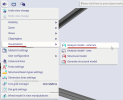
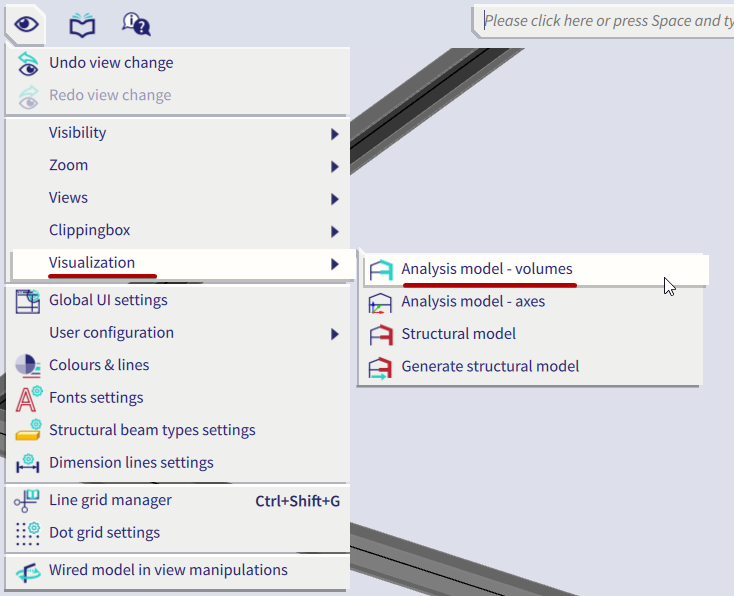
Call menu function View > Visualization >Analysis model - volumes (this sets the view of the calculation model of the structure).
-
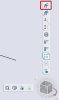
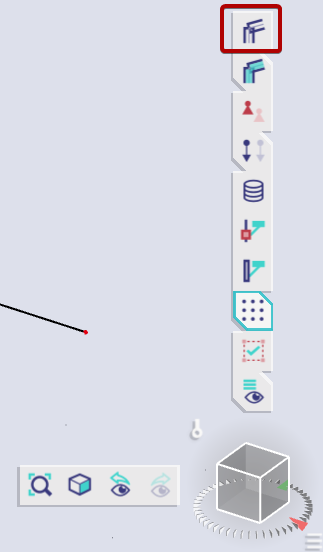
If the structure is displayed in rendered mode, click button [Volumes] above the Navicube.
-
In the graphical window click the right mouse button to invoke the pop-menu.
-
Select function View settings for all entities.
-
Select tab Connections.
-
In group of view parameters called Steel connections set the following parameters:
-
tick the parameter Display,
-
parameter Rendering set to value Wired.
-
-
Confirm with [OK] (this sets the simplified view of the connections).
Example
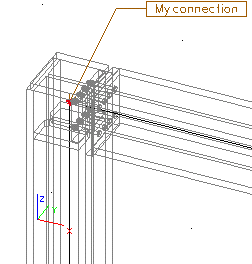
Simplified (wired) view of CAD model
The procedure for the adjustment of simplified view
-
Call menu function View > Set view parameters > CAD model (this sets the view of the CAD model).
-
If the structure is displayed in rendered mode, click button [Render geometry] at the bottom side of the graphical window.
-
In the graphical window click the right mouse button to invoke the pop-menu.
-
Select function Set view parameters.
-
Select tab Entities.
-
In group of view parameters called Steel connections set the following parameters:
-
tick the parameter Display,
-
parameter Rendering set to value Wired.
-
-
Confirm with [OK] (this sets the simplified view of the connections in CAD model).
Example