
FRILO Timber Joint HO13+

The direct link between SCIA Engineer and the Frilo Timber Joint HO13+ application is used to design common truss joints in timber constructions. The link allows the export of the connection from the global analytical model in SCIA Engineer in a specific format with all the necessary objects. All the loads and internal forces from the SCIA Engineer model are included in the exported structure and can be used for the design check within the Frilo HO13+ application.
The link is one-directional, from SCIA Engineer to the Frilo application. This means that changes made in the Frilo application cannot be transferred back to SCIA Engineer. The SAF format is used in the background for the data exchange.
More detailed information about this link can be found in the following Tutorial:
More information about the Frilo HO13+ application can be found here:
Prerequisites
- The Analytical model in SCIA Engineer is calculated (results are available),
- The Frilo HO13+ application is installed,
- Timber material is enabled in theSCIA Engineer project.
Important note: Load combinations should be exploded into linear combinations
How to do it
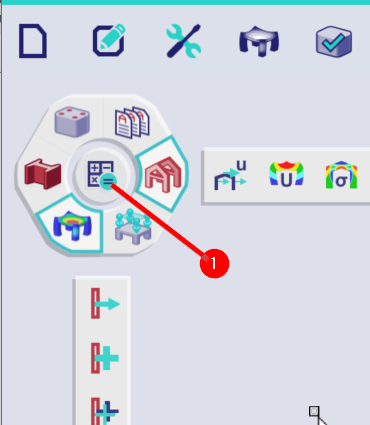
In case no results are available, calculate the SCIA Engineer model.
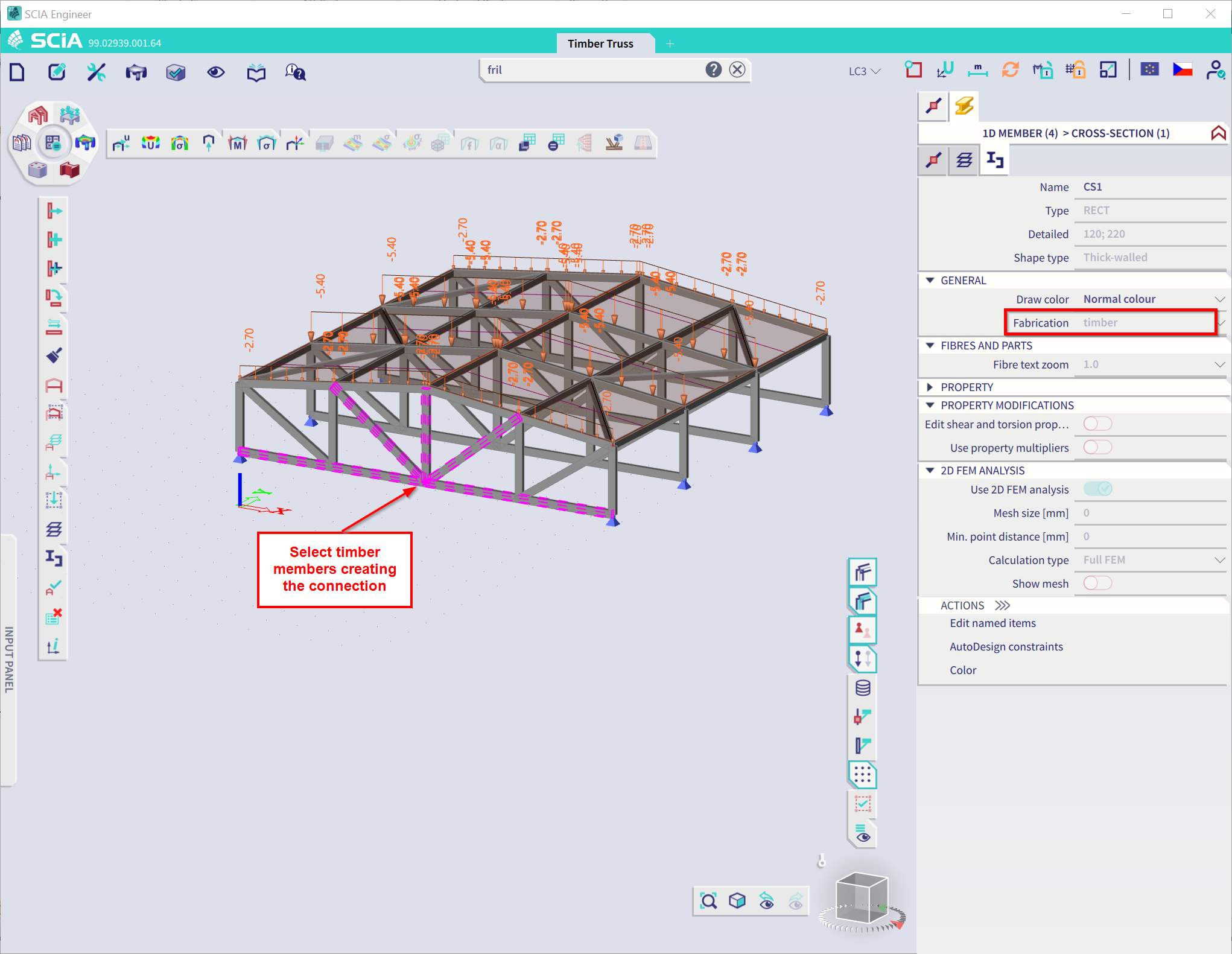
In the SCIA Engineer model select the node in which the connection should be designed/checked. This has to be a node in which the members connecting to it have the material timber assigned to them. Select the members which will be used to define the connection.
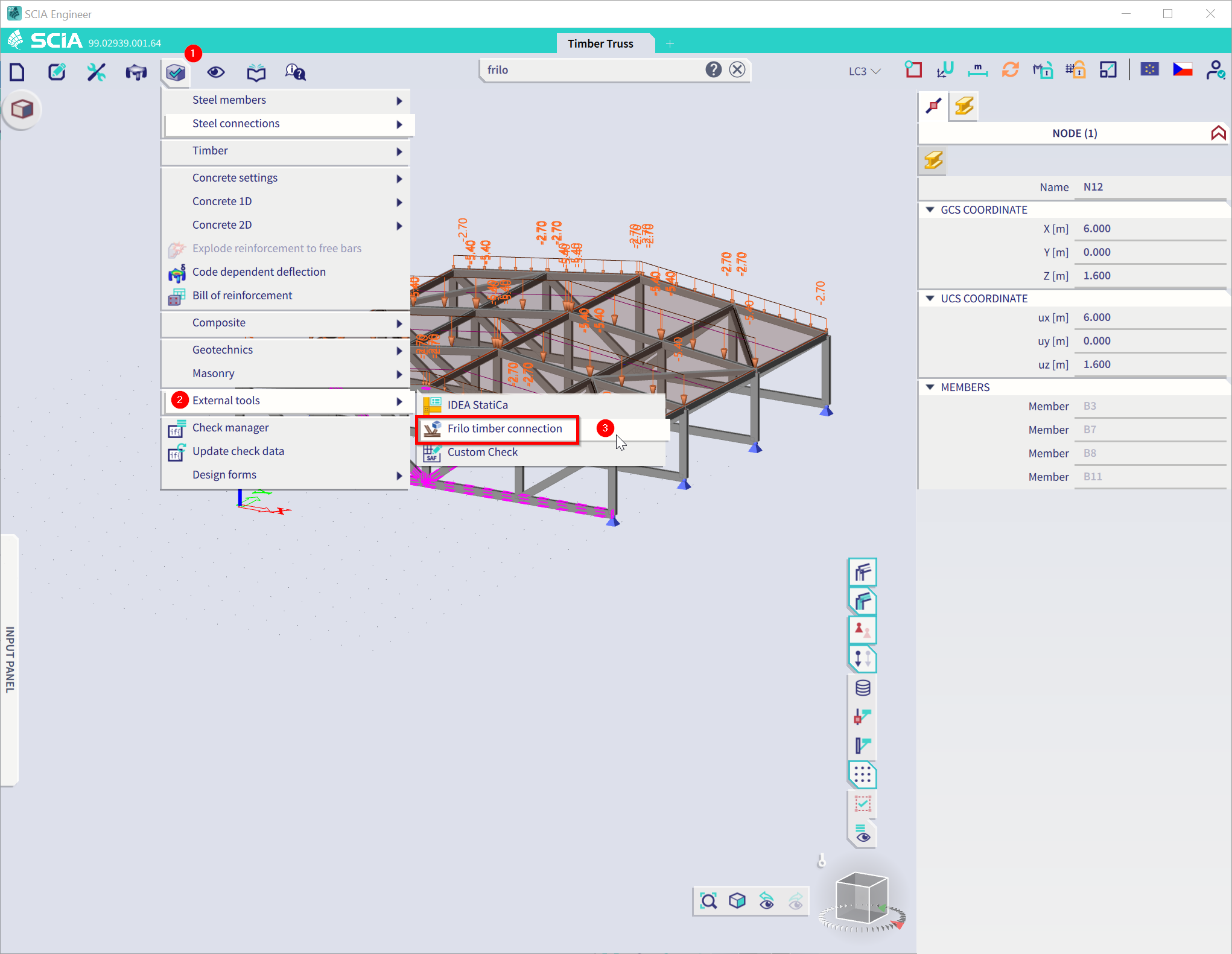
When the selection is prepared, use theFrilo timber connection command (via spotlight or in Design->External tools->Frilo timber connection).
The Frilo Timber Joint HO13+ application will now launch and thechosen connection will be exported.
Tips and tricks
- In case the Frilo timber connection command is greyed out or completely disabled, verify all the conditions mentioned above as Prerequisites.