
Tendon stresses
Result diagrams in graphical window
Note: The principles for displaying of results are described in chapter Results.
Procedure to display tendon stresses
-
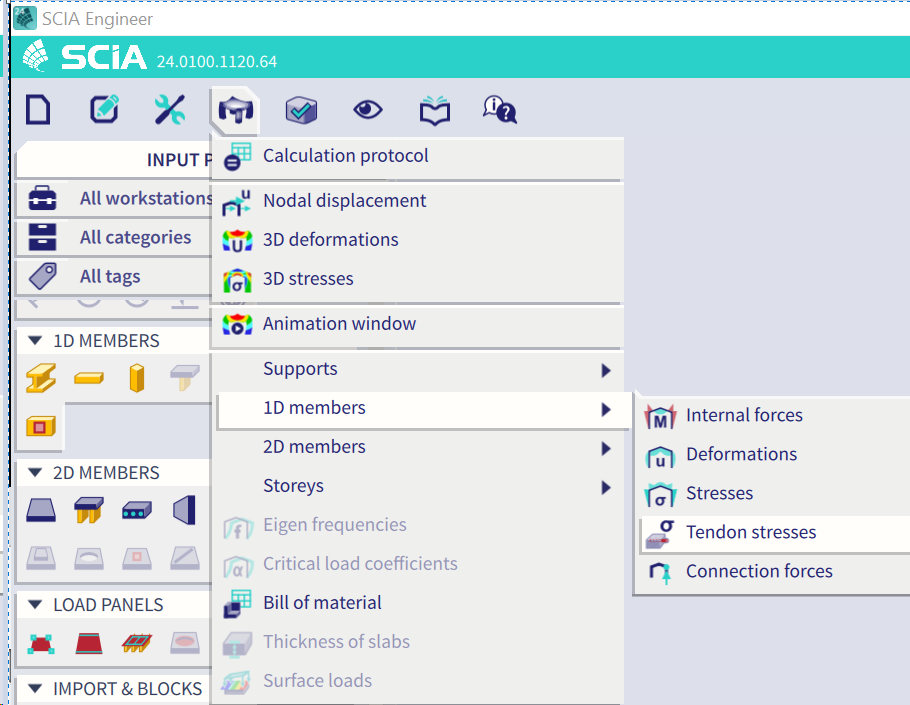
Go to the following item in Menu, or purely write 1D Tendon Stresses in Command line
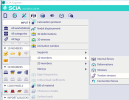
-
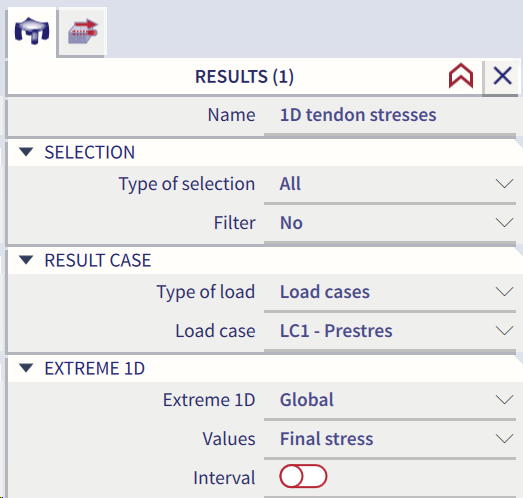
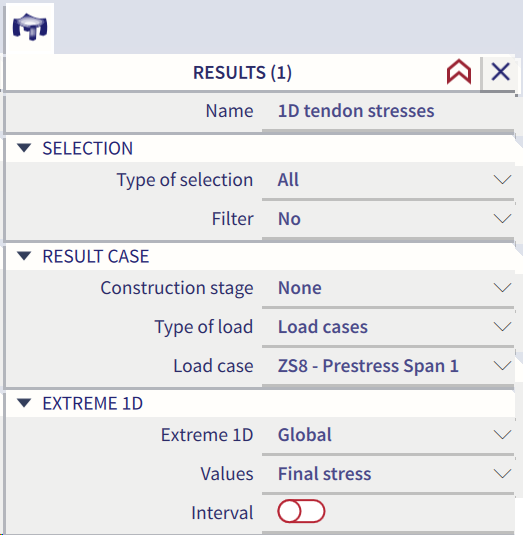
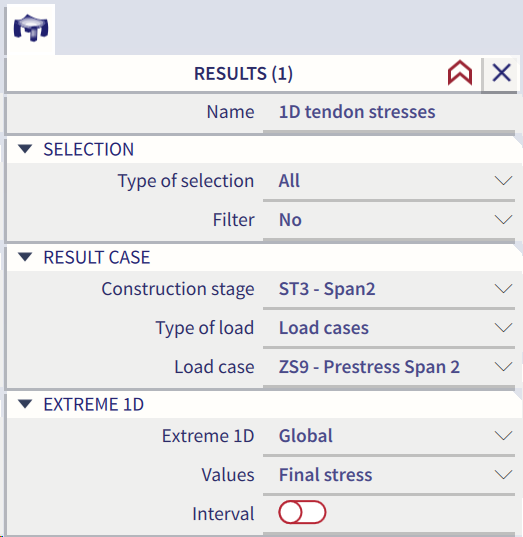
The selection of the loads depends on the usage of Construction stages or not
- without Construction stages
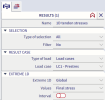
- with Construction stages, but to see results after LIN calculation only, set Construction stages = None
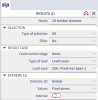
- with Construction stages, to see results corresponding to selected Construction stages
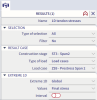
-
Select the 1D member strand patterns for which the results should be drawn.
-
Use filter to specify the tendons to be displayed (see below).
-
Press button [Refresh] to regenerate the drawing.
-
When ready, close service Results.
During dealing with prestressed and/or post-tensioned structures, its also possible to check stress results for individual tendons/strands. There is the new possibility in the new combobox where to select singular tendon/strand to ask results only for such a selection.
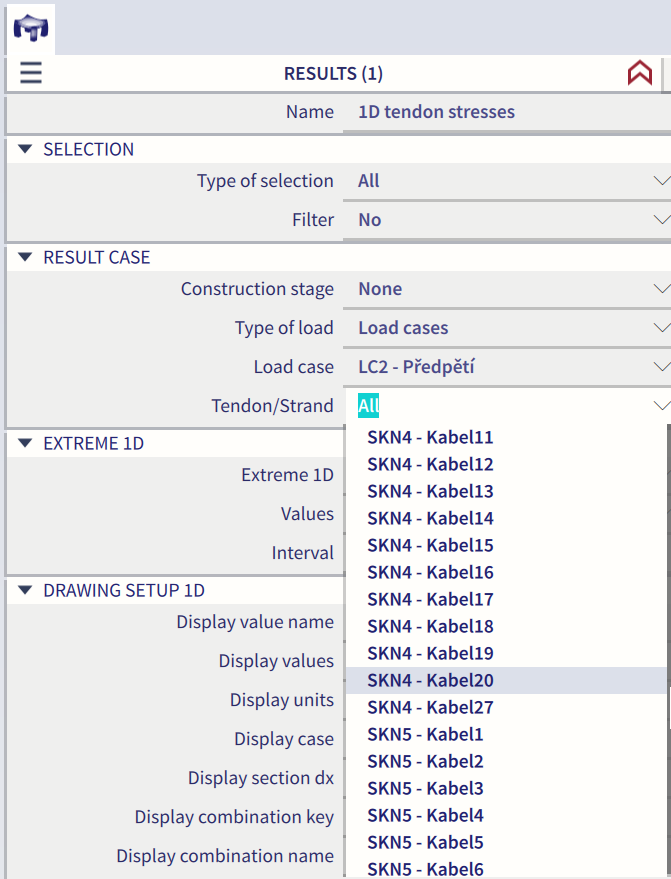
The outputs are also updated based on the selection.
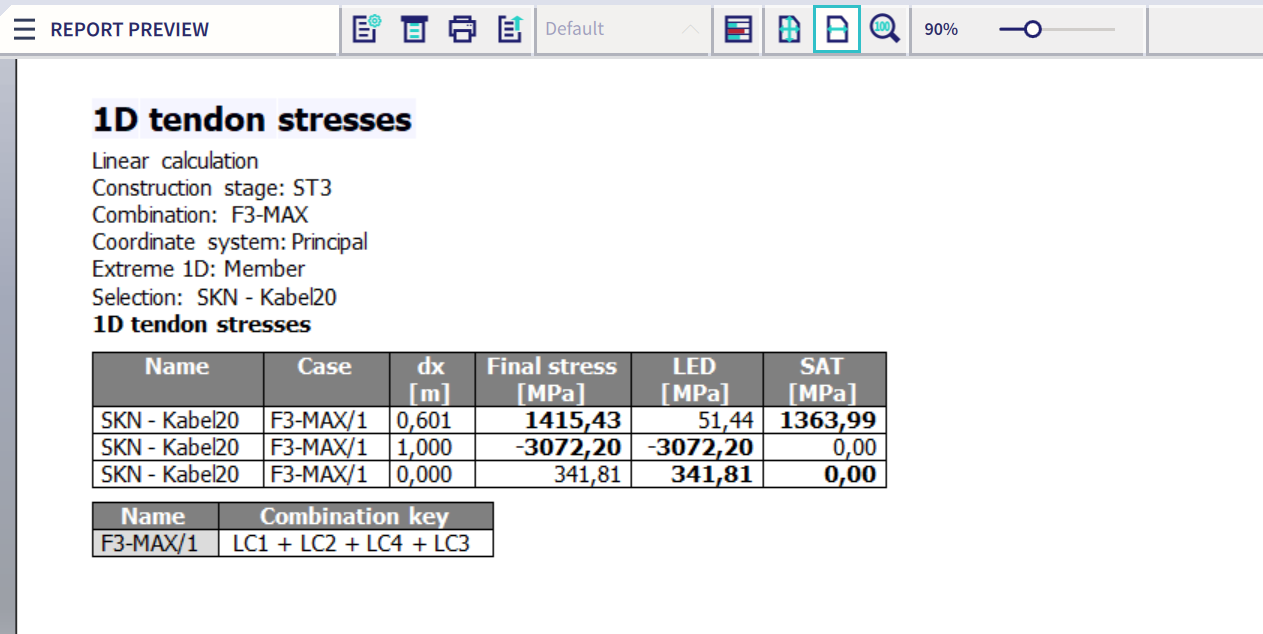
Detailed results
It is possible to display detailed results for a single beam strand pattern
Procedure to display detailed results
-
Open service Results.
-
Start function Tendon stresses.
-
Select one beam strand pattern.
-
A window with detailed results opens on the screen.
Preview in the Report Preview
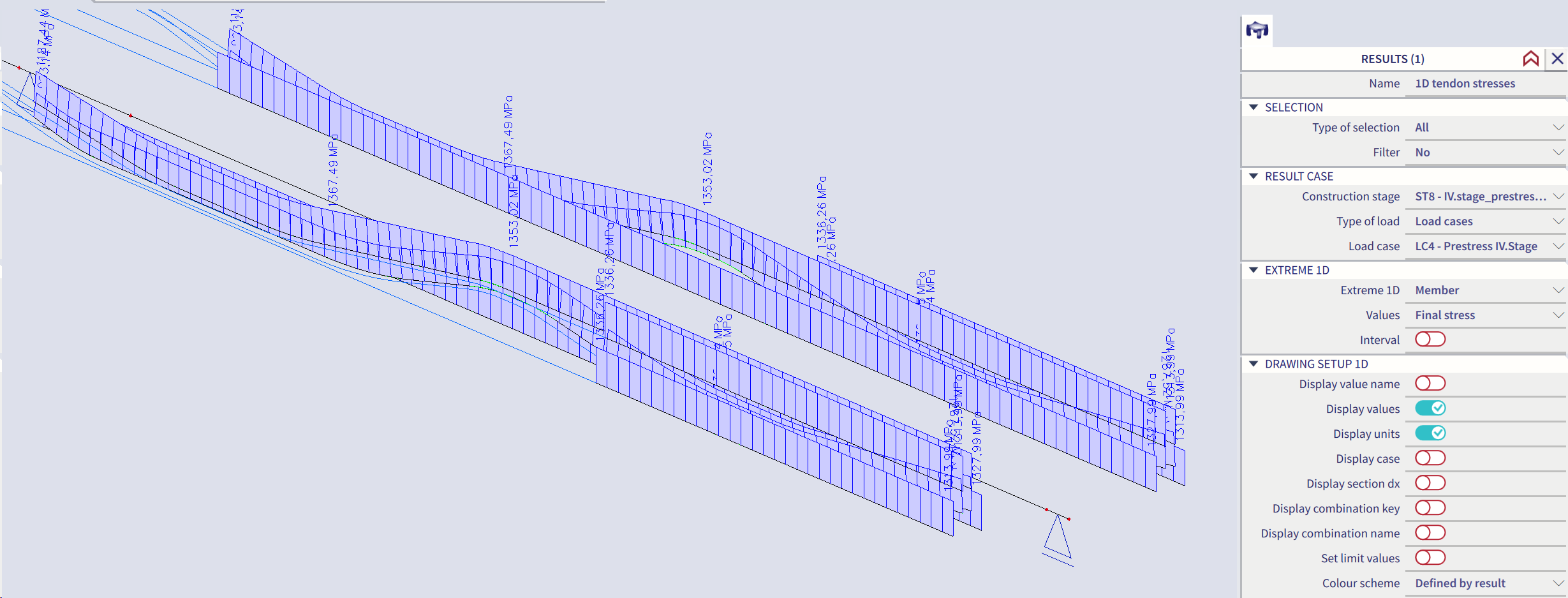
The results may be reviewed in tabular form in the preview window.
Procedure to view the preview
-
Open service Results.
-
Start function Tendon stresses.
-
Select the beam strand patterns for which the results should be drawn.
-
Use filter to specify the tendons to be displayed (see below).
-
Press button [Preview] to view the table of results.
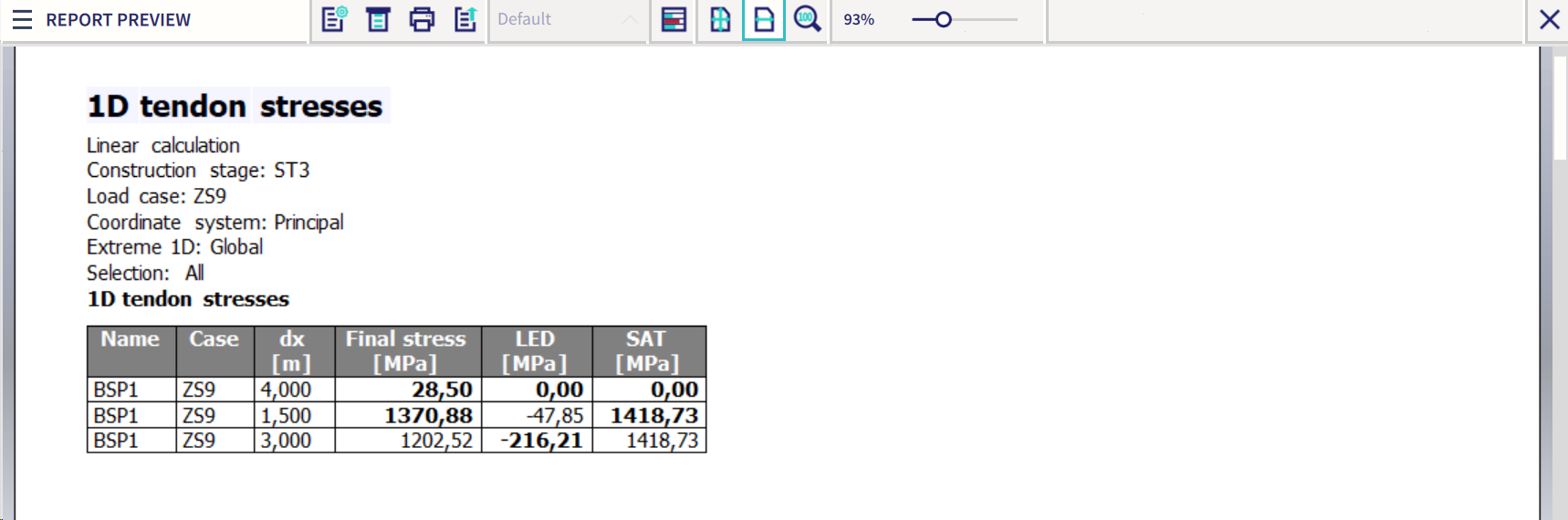
Explanation of abbreviations
|
SAT
|
Stress after transfer. |
|
LED |
Loss caused by the elastic deformation of concrete. |
|
Final stress |
Final stress in tendon / strand (SAT-LED) |