Quick Start Guide
Best Practices Check list:
- For best optimization results, members should be grouped together with elements that have similar length, end releases and tributary areas.
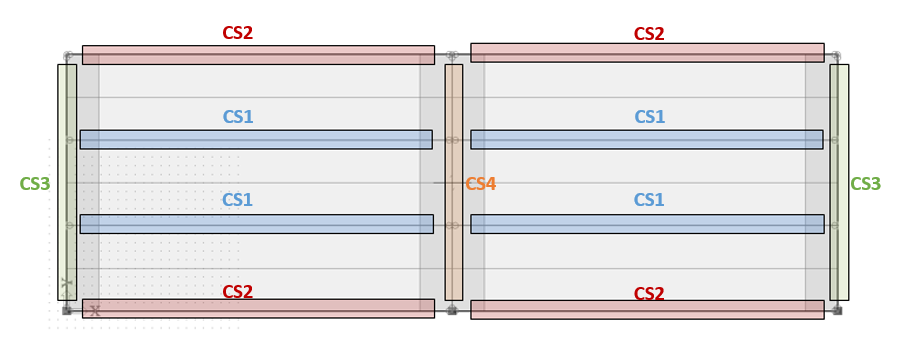
- All cross sections intended for composite beam check/design must be wide flange (W) shapes (either metric or imperial naming convention) and act as plate ribs connected to a composite deck
- Set up load cases, combinations and classes:
- Set up load cases and set the stage (construction or final) for each case. At minimum, one final stage load case should be created and load with this load case applied to the structure. Note: Self-weight load cases are created automatically. In the Composite Setup there is an option to include the wet weight of concrete in the construction stage if needed. This will result in three self weight cases (non-concrete, fresh concrete, and dry concrete) instead of just one (non-concrete + dry concrete). The self-weight case(s) must be set to construction stage. The self-weight case(s) can and should be used for both construction and final stage combinations.
- By default, the program will automatically create four load combinations and will put the load cases into the correct combination based on the load case's stage . It will also create a load results class which contains the four combinations. The option for Generate Composite Combinations in the Project Data controls if the combinations should be created automatically and, if so, what design method should be used for strength combinations (ASD or LRFD). All load cases in the construction stage combinations must be set to construction stage. In the final stage combinations at least one load case in the combinations must be set to final stage.
- Set check and design parameters in the Composite Setup
- After the calculation is finished, select Composite beam design (AISC 360-10) from the Composite service, set the Type of Load to Classes and select the Composite Design result class. Then click Refresh in the Properties window under Actions to run the check/design.
- Select Apply design proposals to model to update model with the optimum cross-section and target degree of composite action