
Applying defined layers
A defined layer may be applied in the property dialogue of each particular entity. One of the table items contains the layer name. This item defines the layer that the entity is put into.
Once the layer is specified in the property dialogue of an entity, the entity may be displayed or hidden according to the settings made in the Layers manager.
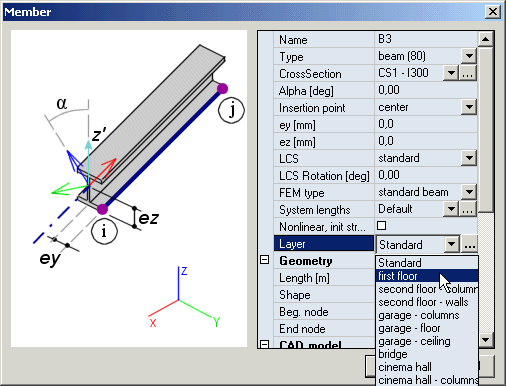
The picture above shows the selection of the appropriate layer for a 1D member.