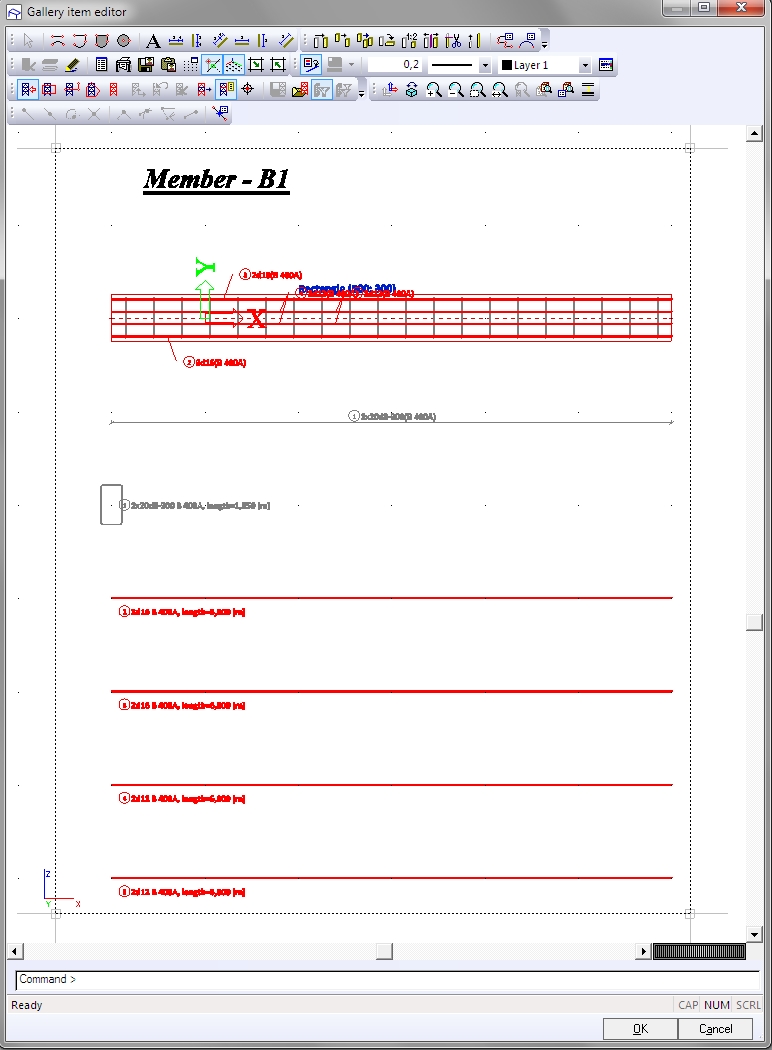
Generating new picture for defined reinforcement
The user may automatically generate picture for defined connections. A set of specified pictures is generated for each designed connection present in the project.
The procedure to generate drawings of connections
- Define connections in your model.
- Call
the picture wizard:

- open the Picture gallery and click Picture wizard icon.

- Depending on your current project, either confirm or select Steel connection monodrawings.
- Adjust
the picture properties.
e.g. Use Text scale factor to adapt the font size - Select
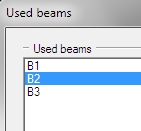
the beam.
- Complete the generation process.
- The pictures are stored in the Picture gallery.