
Step 1. Installation of SCIA License Server (FlexNET)
|
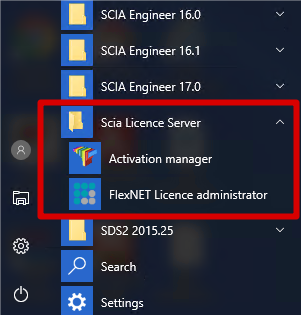
On the machine where you want to load in the licenses, make sure SCIA License Server 3.0.2 (or newer) is installed (under Control Panel à Programs). If necessary, download SCIA License Server.
|

Possible problem
à An error message appears during installation
Try the solution suggested below
àSCIA Engineer keeps saying License server manager outdate
- It will say this if the installed SCIA License Server is too old (older than v.2.2.0)
- You must update the SCIA License server by installing the latest version
- Check under Control Panel à programs what the version is
- If the message persists, it will be necessary to stop several services first. For this, use Option 1 in the solution given below and reinstall the setup.
Solution
Try to stop the thing which is blocking the installation to install/update ALL files
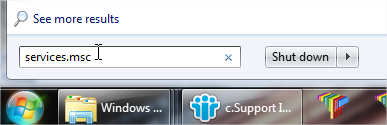
Option 1: Stop lmadmin.exe and scia.exe and rerun the installation.
|
Option 2: Contact SCIA support
à Send the image of the message
à Indicate that you contacted the guide “Updating floating license” (and what you tried)
à Ask for a possible solution