Checking of limit strain - single check
If required, a selected member can be checked in detail. To do so, press button [Single check] in the Action bar of function Check response.
Single cross-section dialogue provides for detailed view of design results.
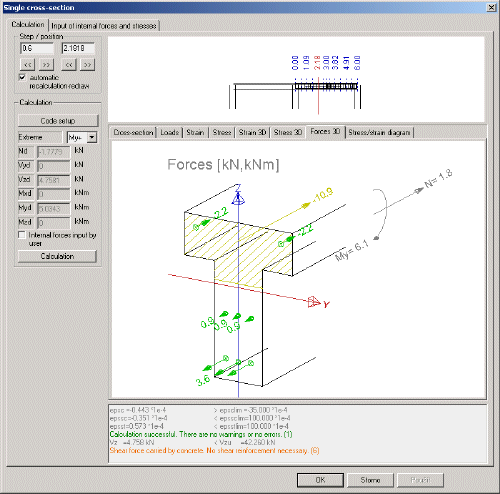
Parts of the dialogue
See Checking to interaction diagram - single check.
Calculation
See Checking to interaction diagram - single check.
Set of graphical windows
(see also the pictures below)
|
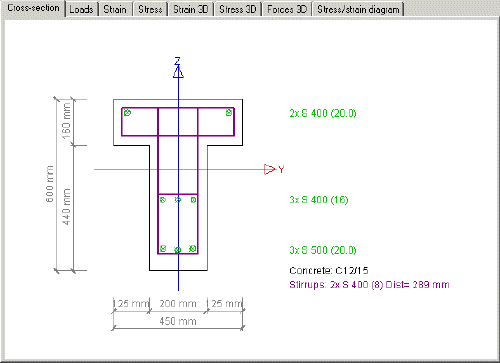
Cross-section |
Shows the cross-section, its dimensions and defined reinforcement. |
|
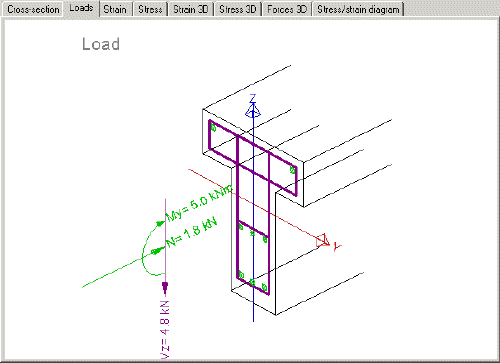
Loads |
Shows internal forces in the selected section. |
|
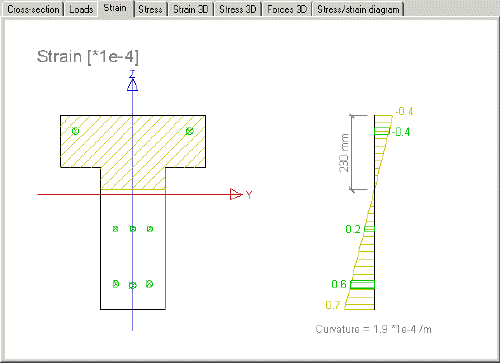
Strain |
Shows the strain and its distribution across the section. |
|
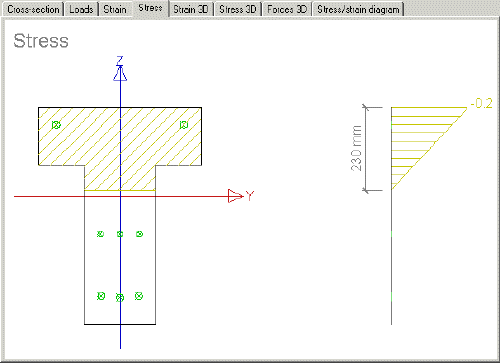
Stress |
Shows the stress and its distribution across the section. |
|
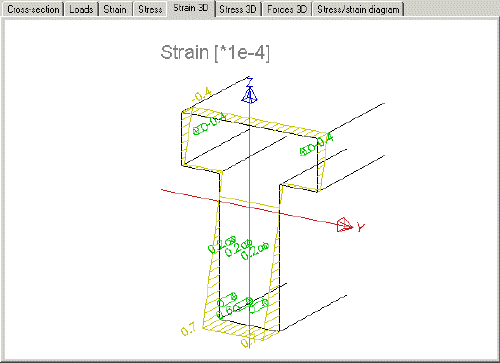
Strain 3D |
Shows the strain and its distribution across the section in a 3D view. |
|
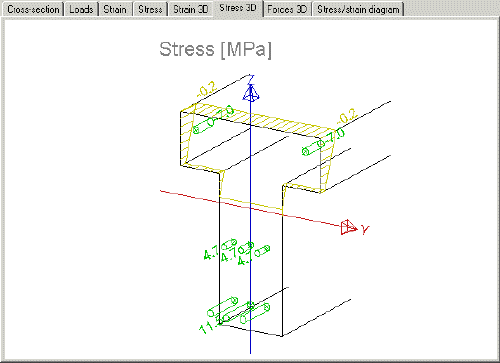
Stress 3D |
Shows the stress and its distribution across the section in a 3D view. |
|
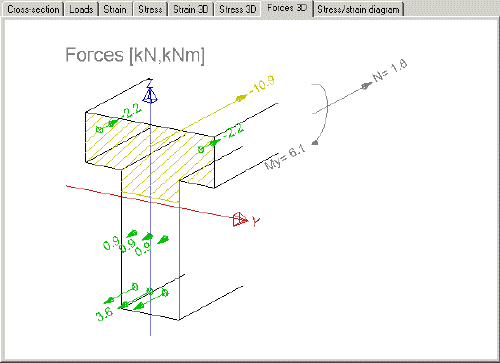
Forces 3D |
Shows internal forces in the selected section in a 3D view. |
|
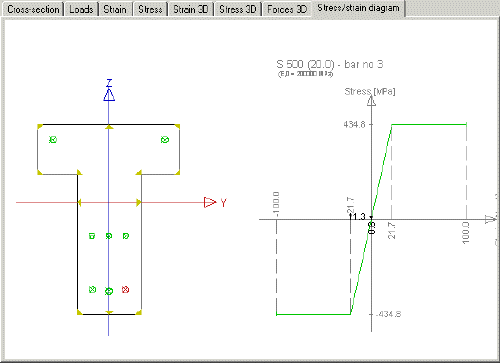
Stress-strain diagram |
Shows the stress-strain diagram for the selected section. The user may click a point in the section (in the left hand side part of the graphical window) and see the corresponding position on the diagram (in the right hand side part of the graphical window). |
Cross-section
Loads
Strain
Stress
Strain 3D
Stress 3D
Forces 3D
Stress-strain diagram